6,800+ Strategy and Business Plan PowerPoint Templates
Don't know what to include in your strategy or business plan? Our templates cover startup pitches, annual planning, investor presentations & operations. Each one is structured with everything you need.
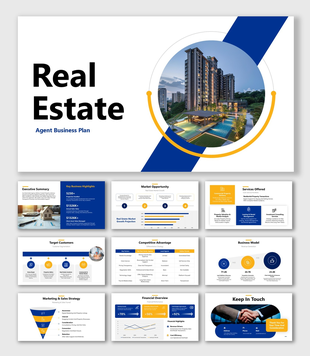
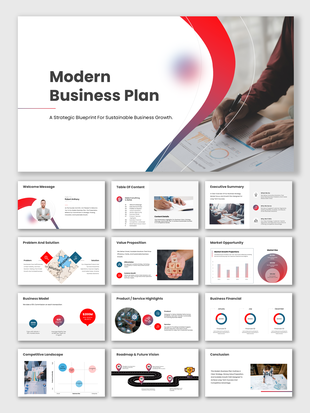
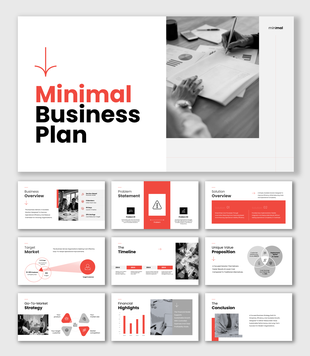
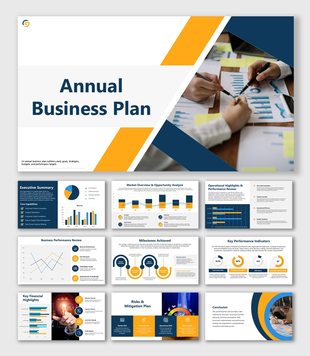
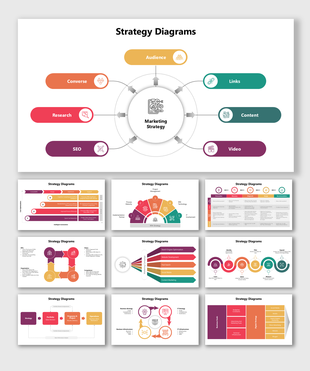
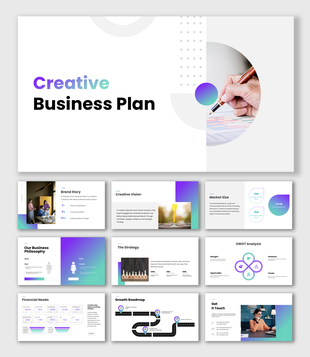
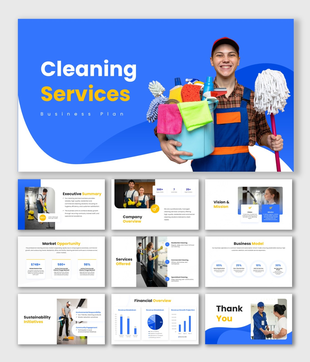
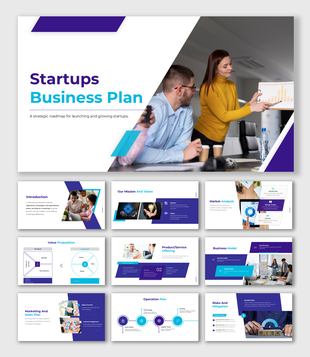
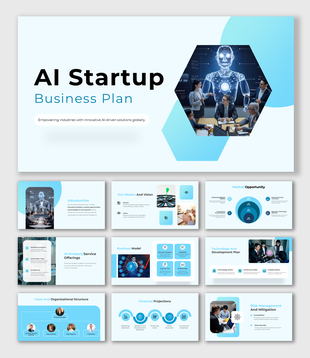
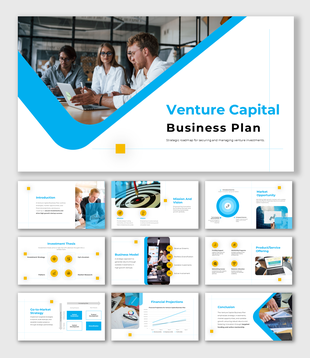
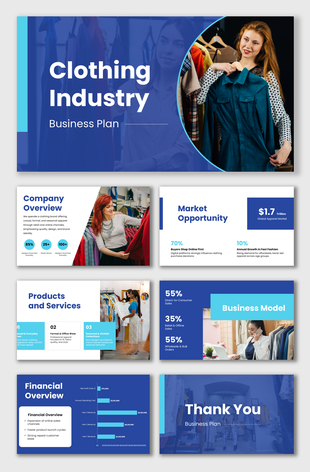
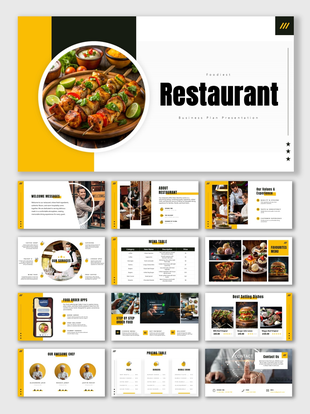
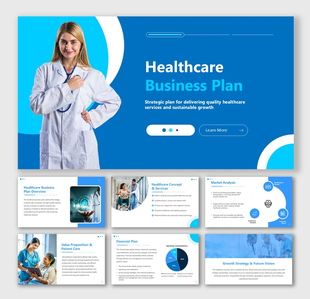
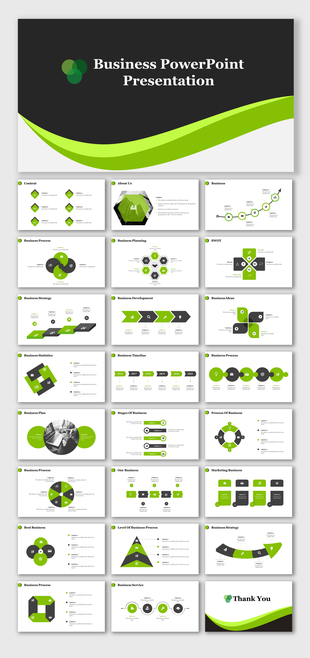
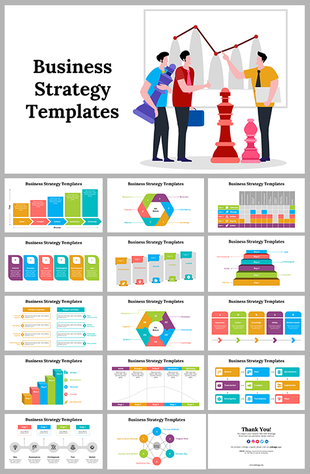
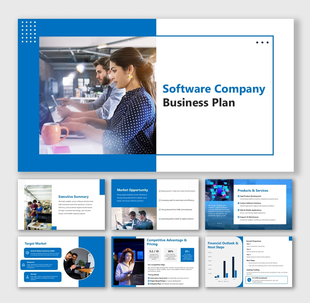
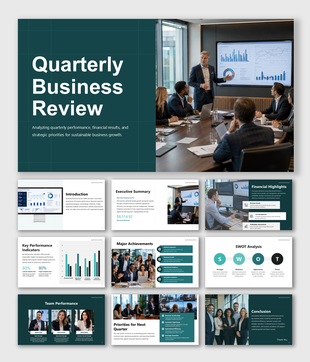
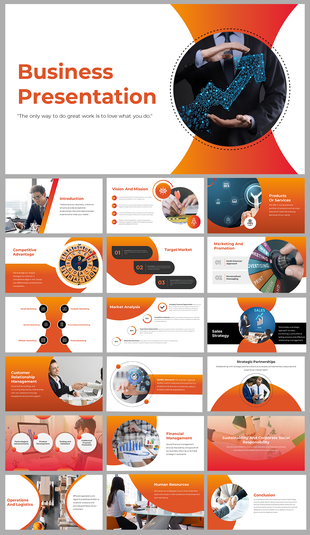
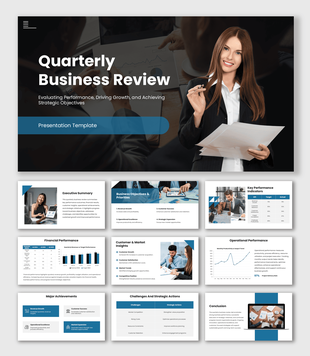
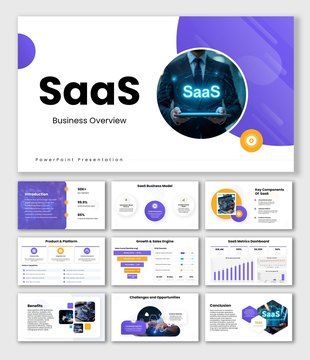
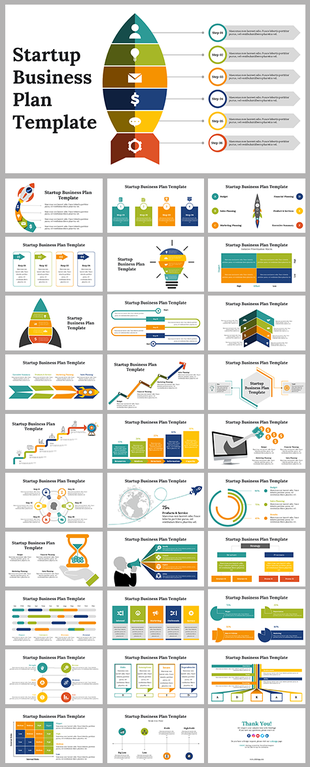
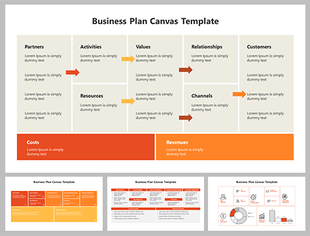
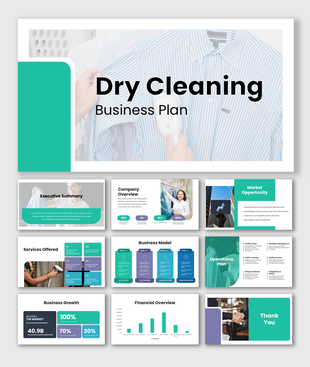
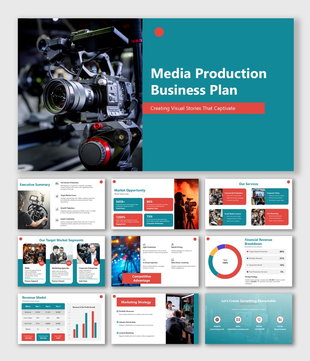
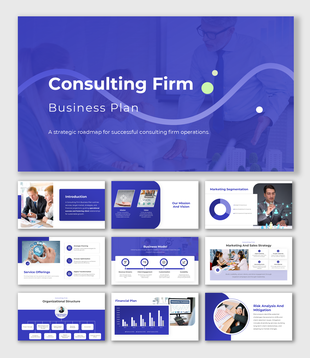
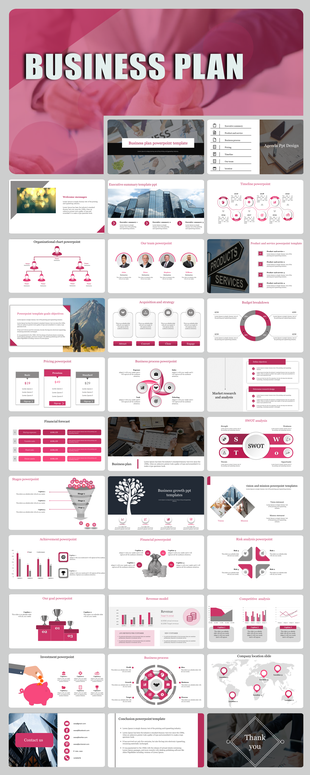
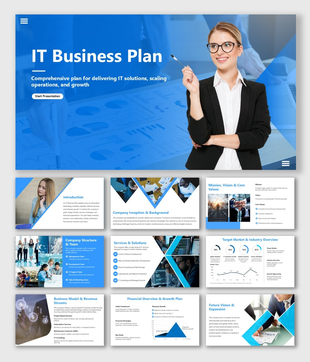
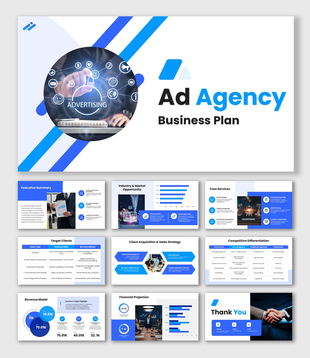
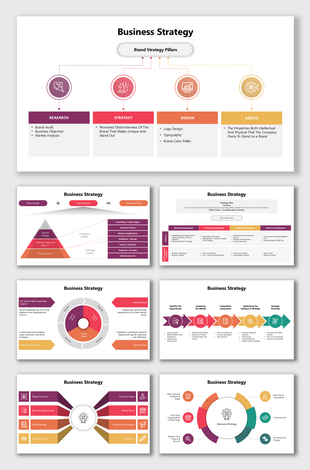
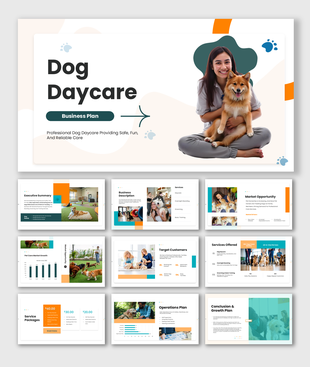
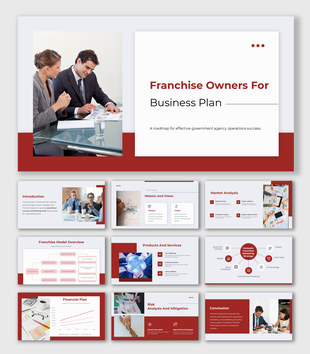
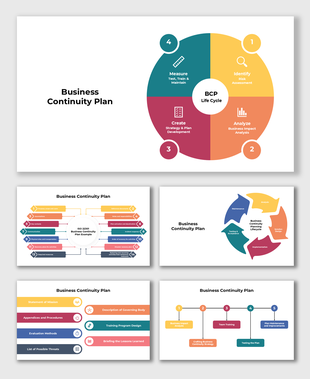
Showing48 of6,858


Find the Right Business Plan or Business Strategy PowerPoint Template
A business plan presentation and a business strategy presentation may look similar, but they support different conversations. Before choosing a template, decide what your audience needs to understand or approve.
Choose a deck based on the job you are trying to complete:
- 01Present a new business idea or funding opportunity.
- 02Explain how an existing business will compete and grow.
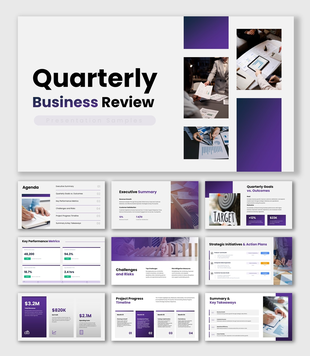
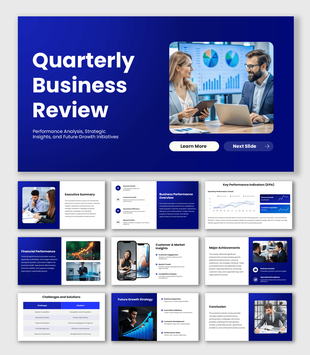
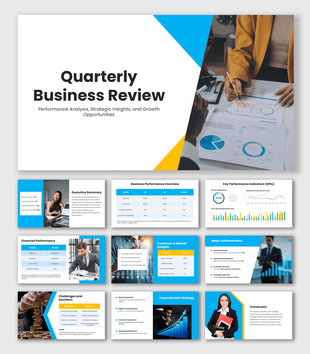
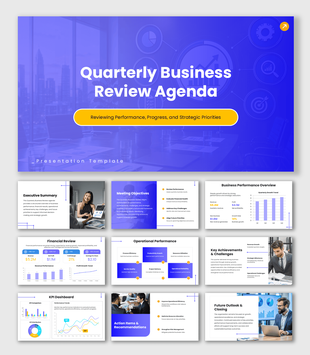
- 03Review quarterly or annual performance.
- 04Translate a strategy into responsibilities and deadlines.
- 05Prepare the organization for disruption or operational risk.
Open the preview before downloading. The most useful template is not necessarily the one with the most slides—it is the one whose sequence fits the story you need to tell.
When You Need a Business Plan Presentation
Choose a business plan presentation when you are introducing a company, validating an opportunity, discussing funding or explaining how the business will operate.
Check whether the preview provides space for the sections your audience expects, such as:
- ·The problem or market opportunity
- ·The proposed solution
- ·Target customers
- ·Business and revenue model
- ·Market evidence
- ·Competitor positioning
- ·Marketing and sales approach
- ·Operational requirements
- ·Team responsibilities
- ·Financial assumptions
- ·Funding request or next action
Not every presentation needs every section. An internal planning meeting may require detailed operations, while an investor conversation usually needs a shorter explanation of the opportunity, evidence, business model, and funding requirement.
For a detailed walkthrough of organizing your business information into a clear presentation, read our guide on How to Create a Winning Business Plan Presentation in 2026. Use it to plan the narrative, then adapt the recommended sections to your audience and available evidence.
When You Need a Business Strategy Presentation
A business strategy presentation is more suitable when the business already exists, and the audience needs to understand its direction.
Look for a template that helps connect:
- ·The present business situation
- ·The goal the organization is pursuing
- ·The priorities that support that goal
- ·The initiatives assigned to each priority
- ·Owners and timelines
- ·Measures of success
- ·Risks and dependencies
If the plan requires a visual sequence of milestones, use a relevant Strategic Roadmap PowerPoint Template to show how initiatives progress over time.
When You Need to Review an Existing Business
Quarterly business reviews and annual plans are meant for evaluating progress, not introducing the company from the beginning.
For a performance review, check whether the template can clearly present:
- ·Results against targets
- ·Important wins and setbacks
- ·Sales, customer, or operational trends
- ·Lessons from the previous period
- ·Priorities for the next period
- ·Decisions or support required from stakeholders
During a collaborative review, SlideEgg Live Polls can be used to collect opinions or prioritize proposed actions. A poll is useful when the audience must participate in the decision; it is unnecessary when the meeting is only a performance update.
When You Need to Put a Plan into Action
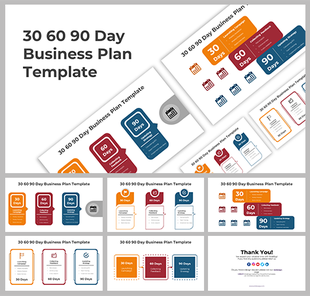
A 30-60-90-day plan is helpful when responsibilities and early milestones must be communicated. A business continuity plan is more appropriate when the organization needs to prepare for disruption and recovery.
When evaluating these templates, look for room to identify:
- ·The action to be completed
- ·The person responsible
- ·The deadline
- ·The expected outcome
- ·Dependencies
- ·Risks
- ·Progress measures
When the process contains several connected steps or decision points, supporting Flowchart PowerPoint Templates can make the workflow easier to follow.
Use the Preview as a Business Presentation Sample
A template preview is a starting example, not a finished business plan. Review the complete slide sequence instead of choosing from the cover slide alone.
Before downloading, confirm:
- 01Whether it is a complete deck or a single slide
- 02Whether the number of slides suits your presentation
- 03Whether the sequence matches your audience’s questions
- 04Whether the layouts can accommodate your real information
- 05Which editing formats are shown on the product page
- 06Whether the product carries a Free label
- 07Whether an Edit option is available
- 08Whether unnecessary sample sections can be removed
For free-download intent, use the Free filter and confirm that the individual product is marked Free. The category contains both free-labelled and other templates, so the product card should be checked before downloading.
Replace the Sample Content with Verifiable Business Information
A polished design cannot compensate for questionable numbers or vague assumptions. Before presenting, replace the sample content with information specific to the business.
Use this final review:
- ✓Remove every placeholder, sample company name, and demonstration figure.
- ✓Cite the source and reporting period for important market statistics.
- ✓Separate historical results from forecasts.
- ✓Label assumptions used in projections.
- ✓Check that percentages, totals, and timelines agree across slides.
- ✓Explain unexpected changes instead of displaying the number alone.
- ✓Remove confidential customer, employee, or financial information.
- ✓Finish with the decision, approval, or action required from the audience.
If a figure cannot be verified, present it as an assumption or remove it. This makes the presentation more credible and gives the audience a clearer basis for making decisions.
Add Supporting Slides Only Where They Are Needed
You do not need to force every business framework into the same presentation. Add a supporting slide when it answers an important question that the chosen template does not cover.
-
Use it to
Explain how the business creates, delivers, and captures value.
Business Model Canvas Template -
Use it when
The audience needs a clear explanation of market size and reachable opportunity.
TAM, SAM, and SOM Templates -
Use it to
Discuss internal strengths and weaknesses alongside external opportunities and threats.
SWOT Analysis PowerPoint Templates -
Use it when
Revenue, expenses, forecasts, or funding requirements need more space than the primary deck provides.
Financial PowerPoint Templates
Only include a framework when you can complete it with meaningful evidence. An empty framework adds slides without improving the decision.
Generate a Starting Business Plan Presentation with AI
When you have the business information but need help arranging it, the SlideEgg AI section can generate a 10–12-slide starting draft.
Describe the business idea and the purpose of the presentation as clearly as possible. Include the audience, the decision you want from them, and the sections that must appear.
AI can accelerate the first draft, but the final reasoning, evidence, and recommendations should come from the person or team responsible for the plan.
Treat the generated presentation as an outline
- →Replace generated assumptions with verified facts.
- →Remove slides that do not support the purpose.
- →Add missing evidence.
- →Rewrite generic statements in the language used by the business.
- →Confirm all market and financial claims before presenting.
Make the Final Choice Based on the Presentation’s Purpose
Shortlist two or three templates and compare their actual slide sequences. Choose the one that requires the fewest structural changes, then replace its sample material with verified business information.
The goal is not to fill every available slide. It is to help the audience understand the plan, evaluate the evidence, and make the next decision.
Bulls Eye
289 Templates
Agenda
1105 Templates
Team / Teamwork
371 Templates
Hierarchy
56 Templates
Our Team
491 Templates
Thanks
465 Templates
FAQ
72 Templates
Growth
688 Templates
Decline
13 Templates
Checklist
105 Templates
Points
27 Templates
DIKW model
13 Templates
Startup
64 Templates
Pros & Cons
85 Templates
30-60-90 day
185 Templates
Mind Map
167 Templates
Break section
29 Templates
Conclusion
25 Templates
Contact us
97 Templates
To Do List
27 Templates
Explore Similar Collections
Become an expert with SlideEgg
Watch quick, practical walkthroughs and level up your presentation design skills in minutes.

Frequently Asked Questions
How do I make a business plan PowerPoint presentation?
Start with the decision you need from the audience. Organize the slides around the opportunity, target customer, business model, evidence, execution plan, finances, and next step. Keep one main message on each slide and move detailed supporting information to an appendix.
What slides should a business plan presentation include?
A complete business plan presentation should include a cover slide, executive summary, company overview, problem and solution, market opportunity, product or service description, competitive analysis, go-to-market strategy, financial projections, funding requirements, team bios, and a call-to-action slide. Most investor decks run 10-15 slides.
Which business plan template is best for a startup?
For startups, choose a pitch deck covering problem/solution, market size (TAM/SAM/SOM), traction, team, and funding ask in 10-12 slides. The Startups Business Plan and Venture Capital Business Plan templates on SlideEgg are built for this. For bank loans or accelerators, use a full business plan with financial projections and a 3-year roadmap.
Which template should I use for a business growth presentation?
Choose a complete deck containing the current position, growth opportunity, proposed initiatives, required resources, financial impact, timeline, and success measures. Use the Decks filter, then inspect the slide previews to confirm that the presentation supports a growth discussion rather than a general company introduction.
What is the difference between a business plan and a business strategy template?
A business plan template covers the complete document — objectives, market analysis, operations, financials, and team — used for investor pitches and funding. A business strategy template focuses on frameworks: SWOT, OKRs, competitive positioning, and annual priorities – used for board presentations and leadership alignment.
Does SlideEgg provide industry-specific business plan templates?
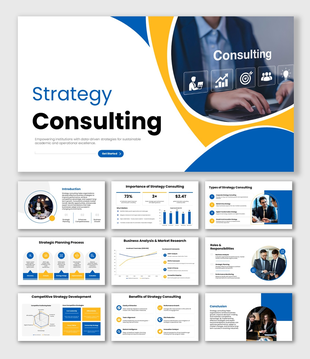
Yes. The collection includes business plan presentations for areas such as real estate, restaurants, hotels, healthcare, education, consulting, franchises, and small businesses. Search using the industry name, but choose according to the slides inside the deck—not only the image on its cover.
Can I download a free business plan presentation?
Use the 'Free' filter to find templates available for free download. The product listing or product page identifies whether a template is free or premium. Check its status and supported editing format before you begin customizing it.
Can I convert a business plan PowerPoint into a PDF?
Yes. After editing the presentation, export it as a PDF through PowerPoint or Google Slides. Use PDF when recipients only need to read the finished plan; keep the editable presentation file when your team still needs to revise slides, figures, or comments.