Gradient Shapes Presentation Templates
Get in touch with our cool Free Gradient Shapes PowerPoint Templates and Google Slides Themes. It is a great treat for all business professionals to present data related to marketing, sales, finance, and business. The template got here is easier with customizing features.
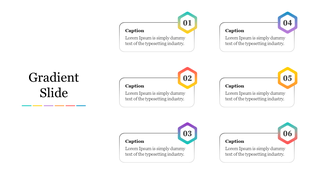
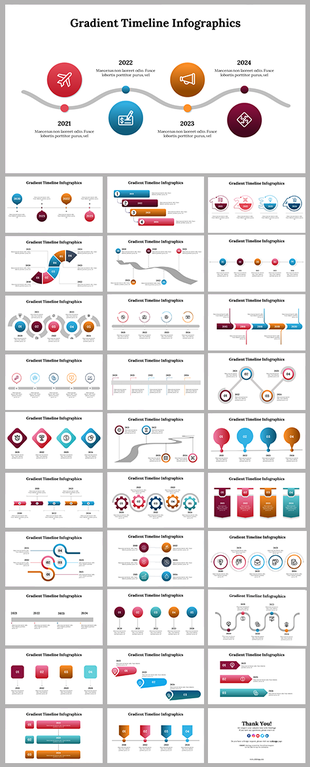
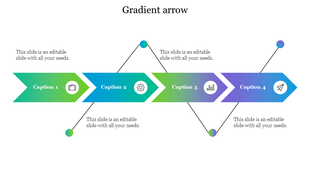
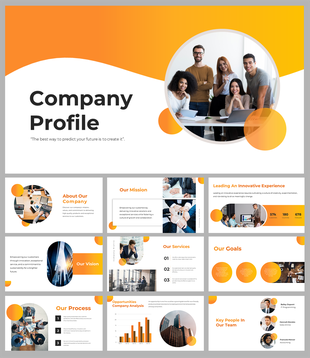

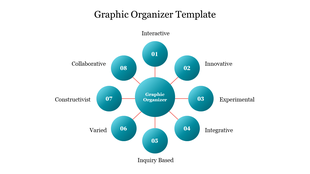
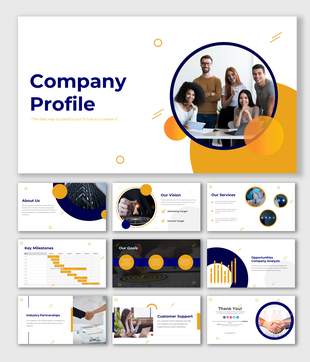

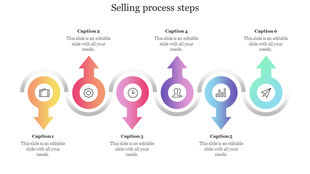
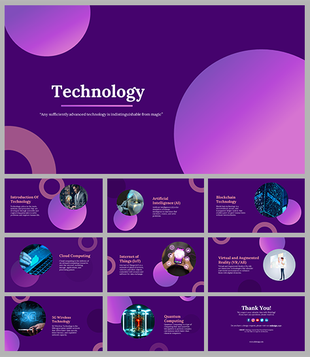
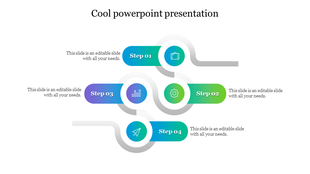
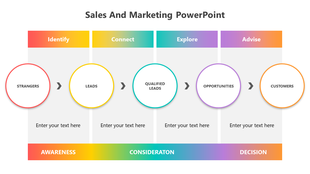

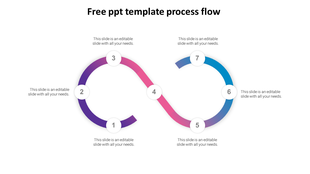





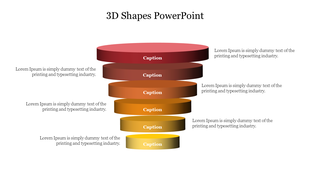
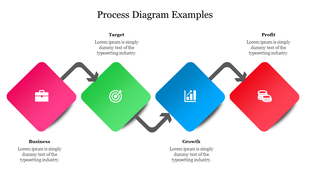
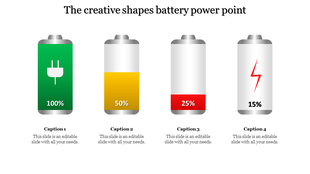
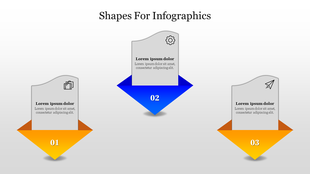
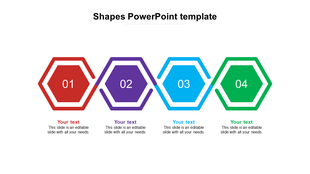
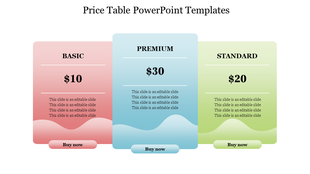
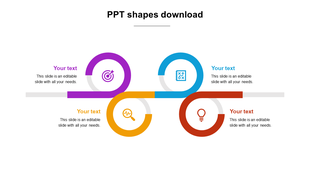
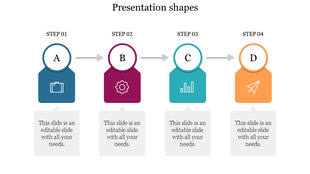
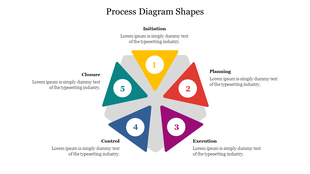
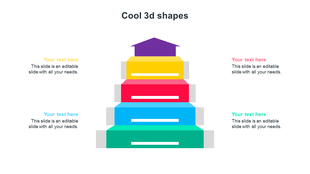
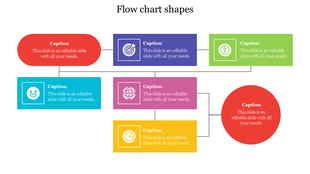
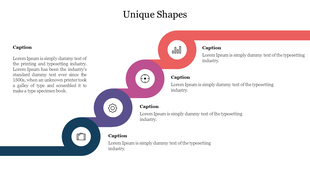
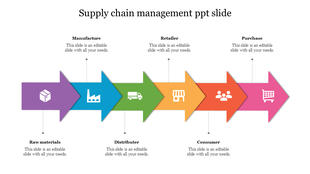
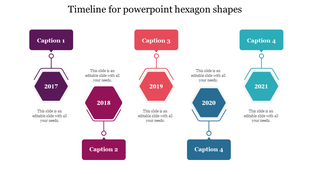
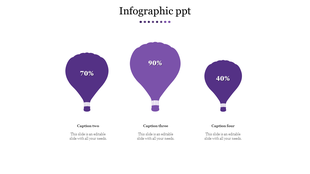
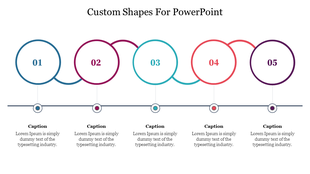
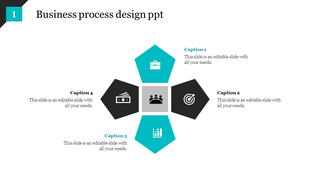


Free Gradient Shapes PowerPoint Templates and Google Slides Themes: Liven Up Your Presentations with Colorful Gradients!
- Set the mood: Different color combinations can create different feelings. For example, a blue and green gradient might feel calming, while a yellow and orange gradient might feel more energetic.
- Highlight important information: You can use gradients to draw attention to specific parts of your slides.
- Create a modern look: Gradients are a popular design trend, and they can help your presentations look up-to-date.
- Business: Make a strong impression in your next business meeting with professional and polished slides.
- Education: Engage your students with colorful and informative presentations.
- Sales & Marketing: Create presentations that will grab the attention of your target audience.
- Science & Technology: Use modern gradients to showcase your innovative ideas.
- Many More! We have templates for almost any topic you can imagine.
- Wide Variety: We have a huge selection of templates to choose from, so you're sure to find one that fits your needs.
- Easy to Use: Our templates are crafted to be easily accessible, even for individuals lacking design expertise.
- Royalty-Free: Once you purchase a template, you can use it as many times as you want, in as many presentations as you want.
- Fully Editable: You can customize our templates to match your own unique style and brand.
- Multiple Formats: You can access our templates in both PowerPoint and Google Slides formats.
- Free Options: We also offer a selection of free templates to get you started.
- Business Professionals: Impress clients, investors, and colleagues.
- Educators: Engage students with captivating visuals.
- Marketers: Boost brand presence and conversions.
- Scientists and Researchers: Simplify complex concepts.
- Anyone: If you have a message, our gradient shapes enhance it!
Become an expert with SlideEgg
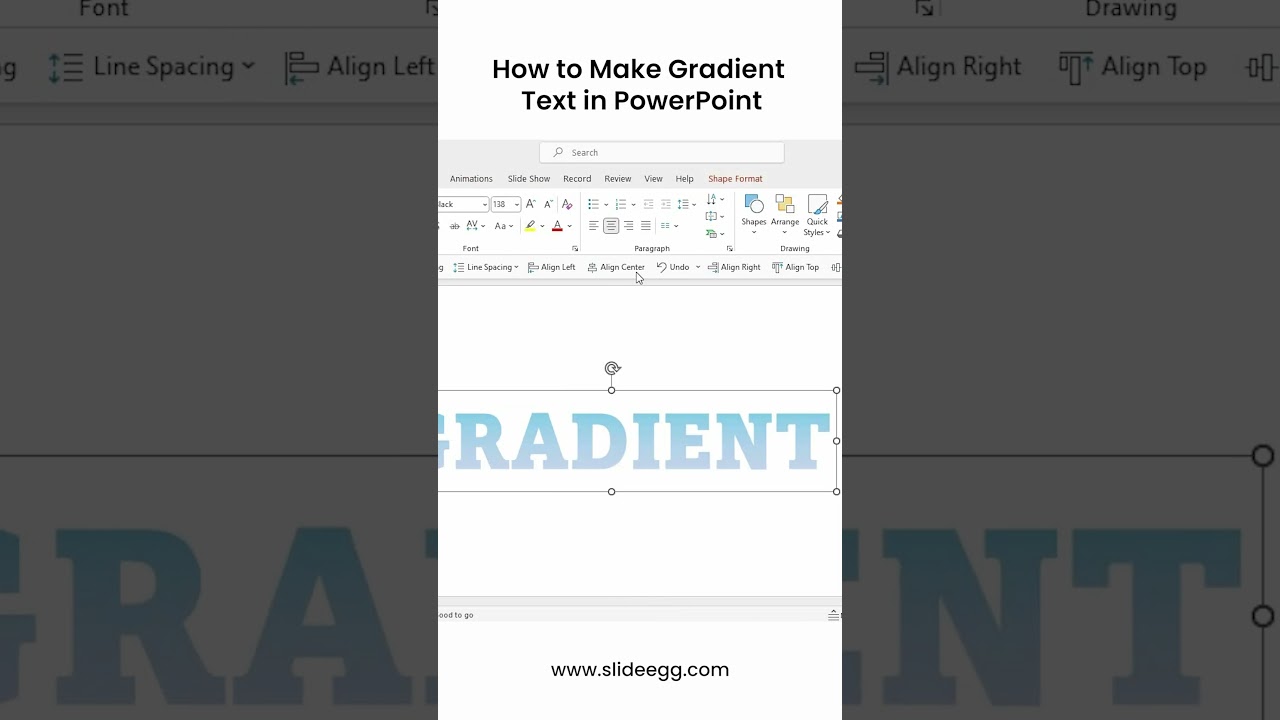
Watch quick, practical walkthroughs and level up your presentation design skills in minutes.

Frequently Asked Questions
What are Gradient Shapes PowerPoint Templates?
These templates come in a variety of shapes to go with presentations. It might be applied to various sales, marketing, development, and quality performance reports as a corollary.
Where can we use these Gradient Shapes Slides?
You may use the unique slide layouts in the Gradient Shapes PowerPoint Template for both professional meetings and slide graphics for marketing campaigns.
How can I make Gradient Shapes Slides in a presentation?
You can create a gradient shape in your slide by using the following steps Step 1: On the ribbon, select the Insert tab. Step 2: Choose Shapes. Step 3: To design the shape, click and drag. Sounds simple, yeah? Visit our tips and techniques page if you still need a tutorial on creating more slides.
Who can use these Gradient Shapes Templates?
Business people, marketers can use these slides, and analysts to interestingly present data, timelines, analyses, and numbers.
Why do we need to use Gradient Shapes slides?
The Gradient Shapes Templates can be used for presentations or visually representing your subjects. Users can add significant elements to a display using these shapes.
Where can I find Gradient Shapes templates for free?
On the majority of websites, free templates are easy to find. Browse the collection on Slide Egg to view a variety of slides in high definition.