Free Cyber Monday PowerPoint Templates And Google Slides
Cart timers are ticking and inboxes are filling up. Make your Cyber Monday offer stand out with 45+ free and premium PowerPoint and Google Slides templates, built with countdown clocks, flash sale banners, promo code slides and free shipping callouts. Edit prices and images in minutes and launch your online deals before the clock hits zero.



















Get Ready for Cyber Monday with PowerPoint and Google Slides
Cyber Monday is the one day your customers are already online, cart half full, waiting for a reason to click. Your slides get a few seconds to give them that reason. SlideEgg has 45+ Cyber Monday PowerPoint templates and Google Slides themes with bold offer slides, sales strategy layouts and social media plans, so you can skip the design work and get straight to the deals.
Browse by mood below, from glowing neon to sunny yellow, then see where each slide fits: an email, a web banner, a social post or the screen behind your shop counter. Every design is editable, and most also work in Google Slides.
Running an online store, a sales team or a one-person shop? There’s something here for you, plus a fun extra for the team once the rush is over.
Pick Your Cyber Monday Mood
Same sale, different feeling.
Your offer stays the same, but the design changes how it feels. Pick the mood that matches your brand, then swap in your own prices, dates and pictures.
Neon and Glow
Dark backgrounds with glowing outlines. They suit tech, gadget and gaming offers.
A neon diamond frame with an up to 75% discount line and a Buy Now button.

Outlined neon lettering on a deep blue background to lift your Cyber Monday deals.

A glowing cyan frame with a Special Offer label and an up to 80% off button.
Purple and Gradient
Rich purples and pinks that feel festive without shouting.

Glowing purple and pink streaks with an Awesome Discounts tag and a Buy Now button.
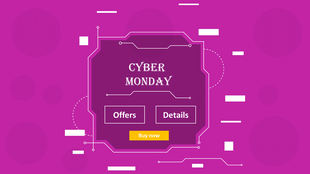
A magenta, circuit-style frame with Offers and Details buttons for quick promo slides.
A multicolored set with a speech-bubble offer slide and a Shop Now button.
Bright and Bold
Loud colors and big numbers for flash sales and last-minute pushes.
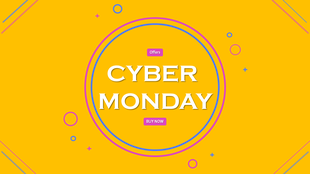
A sunny yellow design with a round badge for your offer and a Buy Now button.
A red price-tag slide that puts the up to 50% off message front and center.

Stacked Best Offers and Up to 60% Offers labels with a Shop Now button.
Clean and Fresh
Light, friendly blues and teal for brands that prefer a calmer look.
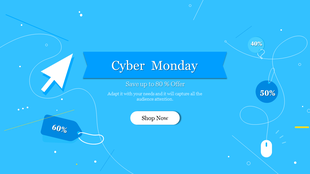
A light blue design with a cursor arrow and 50% and 60% price tags.

A turquoise slide with a circular badge and an up to 60% offer line.
A glowing blue circle on a bright background for showing off your offers.
Where Your Cyber Monday Offer Shows Up
One sale, four places your customers will see it.
A slide isn’t only for presenting. The same design can power your emails, your site and your feed, as long as each one has a single clear message.
One offer, one button. Put the biggest discount in the subject line and repeat it on the hero slide.
Website Banner
Keep it short enough to read in a glance. Large lettering and a bright Shop Now button do the heavy lifting.
Social Media
Export a slide as a post or story and add a countdown. People scroll fast, so lead with the number.
Shop Screen
Run the deal slides on a loop behind the counter so walk-in customers see the same offers as online ones.
Plan the Sales Push
Before the day starts, know what you are selling and where.
The best Cyber Monday campaigns are decided days earlier. These planning decks help you map your offers, your channels and your timing, so nothing is left to guesswork at 9 a.m. on the day.
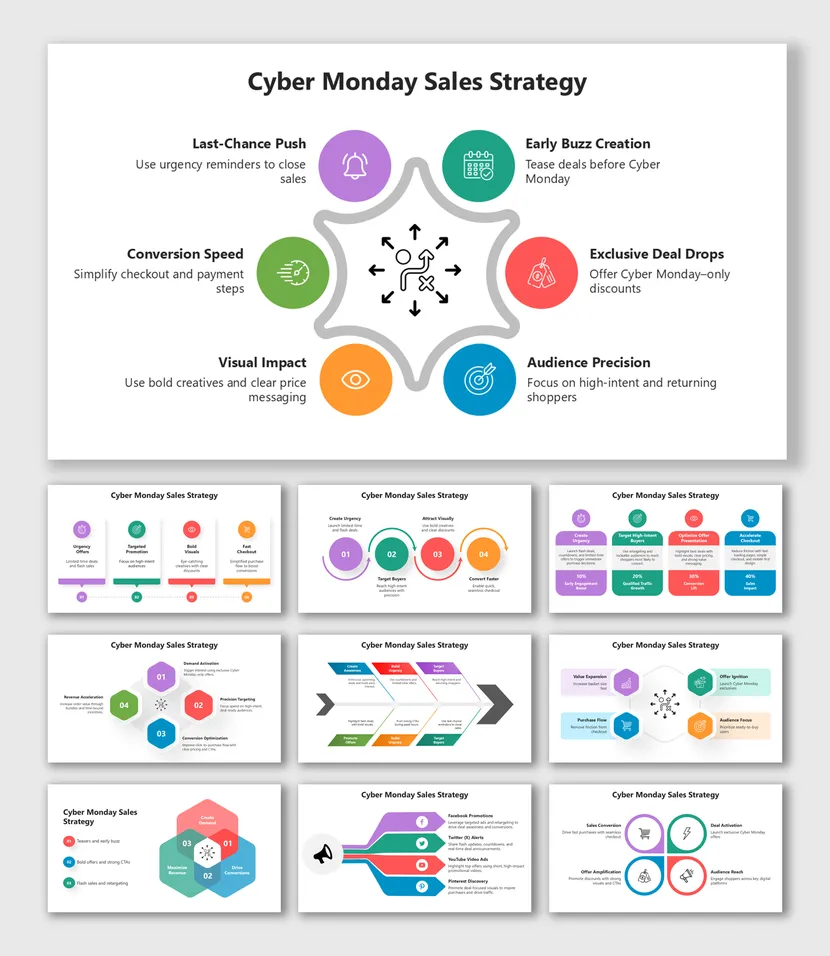
Covers online promotions, targeting tactics, timing plans and conversion tips.
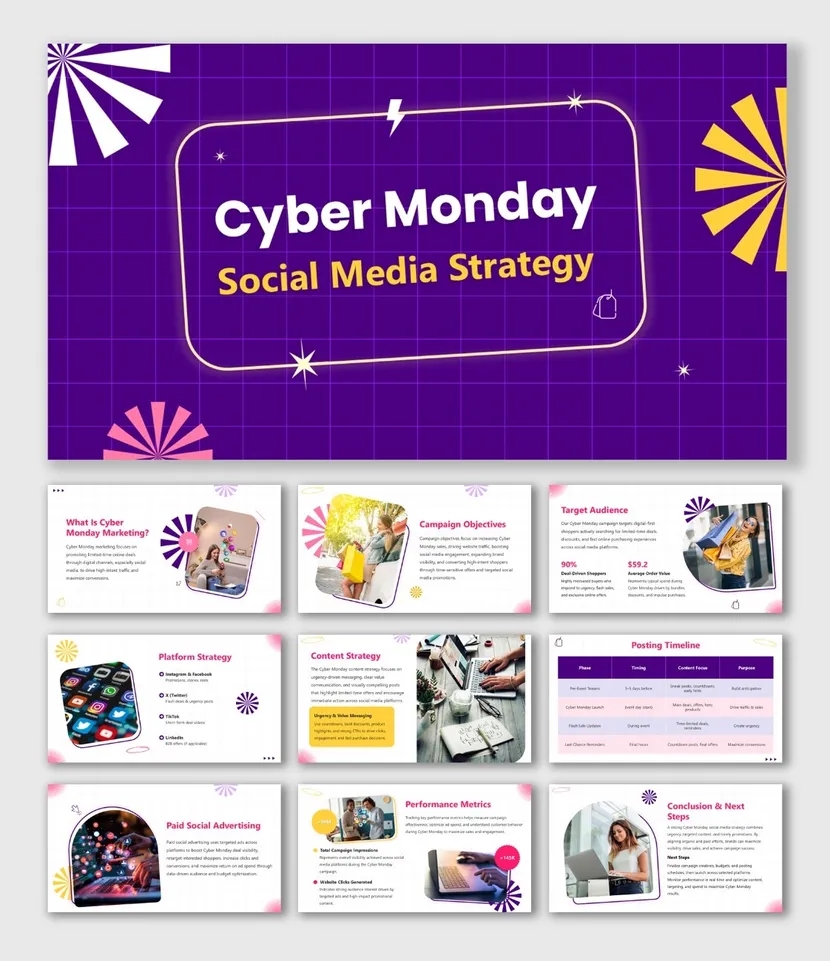
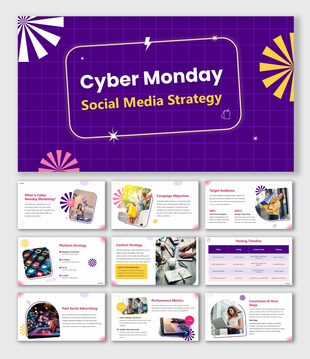
Campaign planning, content ideas, posting schedules and engagement tactics.
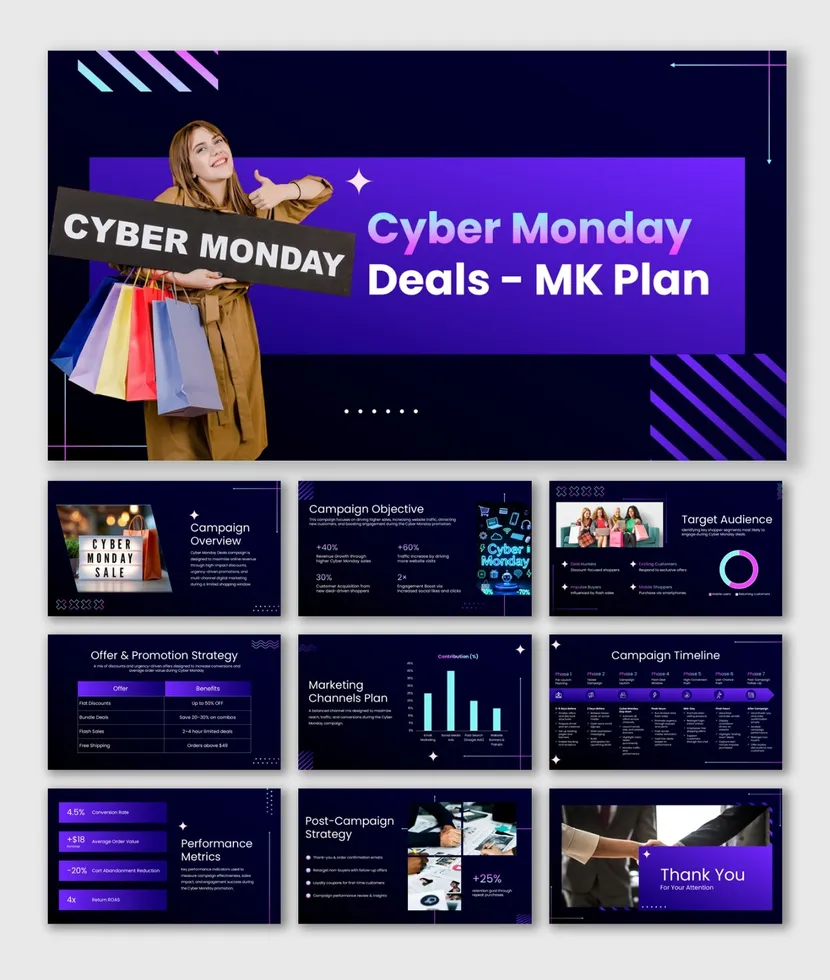
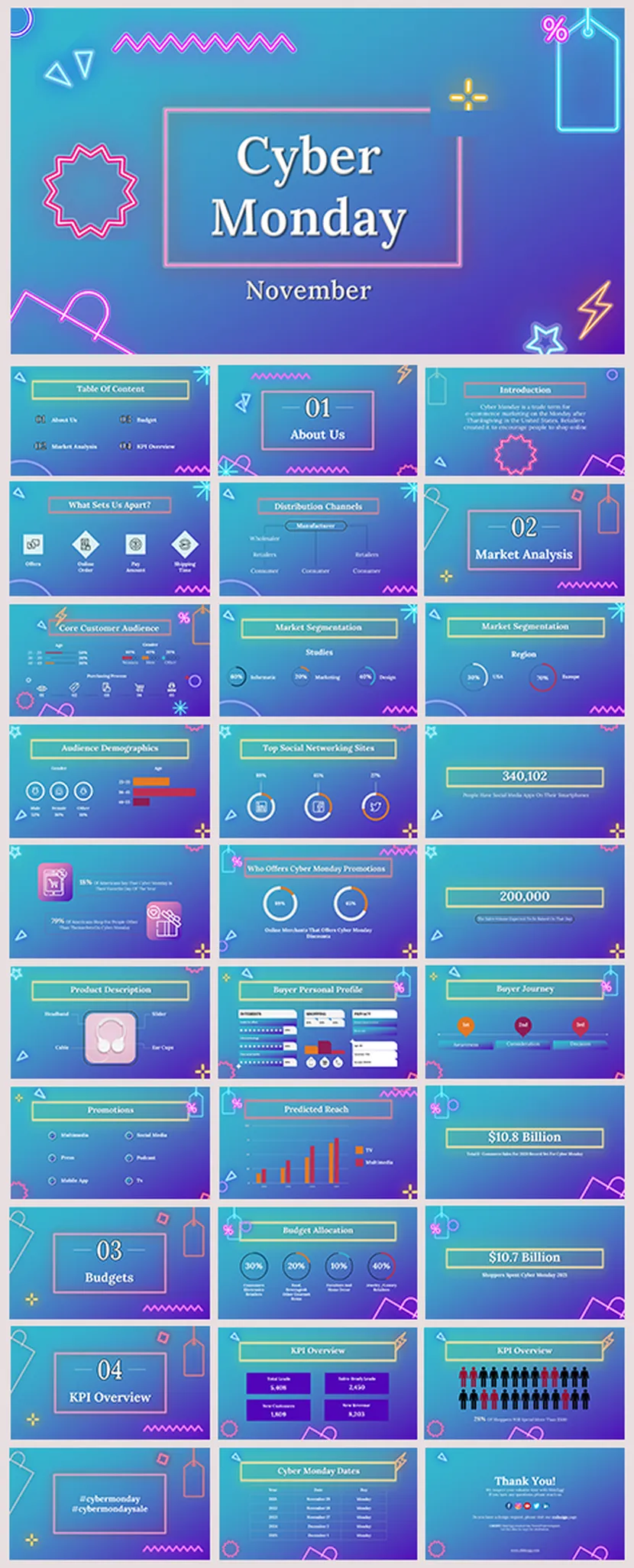
A 36-slide set with icons, built for a full sale presentation.
Black Friday or Cyber Monday?
Many sellers run both, so it helps to know the difference.
Black Friday kicks off the shopping weekend the day after Thanksgiving, with deals in stores and online. Cyber Monday arrives on the Monday after and is all about online shopping. Plan the message for each day separately, and you can reuse the same design to keep your brand consistent.
Black Friday
Big, loud and busy. Think doorbuster deals, crowded stores and bold red and black slides. Browse Black Friday PowerPoint Templates →
Cyber Monday
Online first. Think links, coupon codes and free shipping, with neon and tech-style slides that match the screen your customer is already on.
Cyber Monday Slide Ideas
Six slides that earn their place in any sale deck.
Stuck on what to put in your deck? Start with these six and add more if your catalog calls for it.
Countdown Clock
Show how many hours are left so shoppers act before the deal ends.
Top Three Deals
Pick your best offers and give each one its own big number.
Free Shipping Banner
A simple line near the top removes a common reason to leave the cart.
Bundle and Save
Pair products together and show the saving next to the price.
Customer Love
Add a short review or star rating to build trust fast.
Last-Chance Reminder
A final slide or post for the late shoppers who always show up.
A Fun Extra for Your Team
Celebrate the rush with a quick game.
After a long Cyber Monday, the team deserves a break. These Family Feud style games turn sale talk into a few laughs. You can find more in our Family Feud PowerPoint Templates → collection.
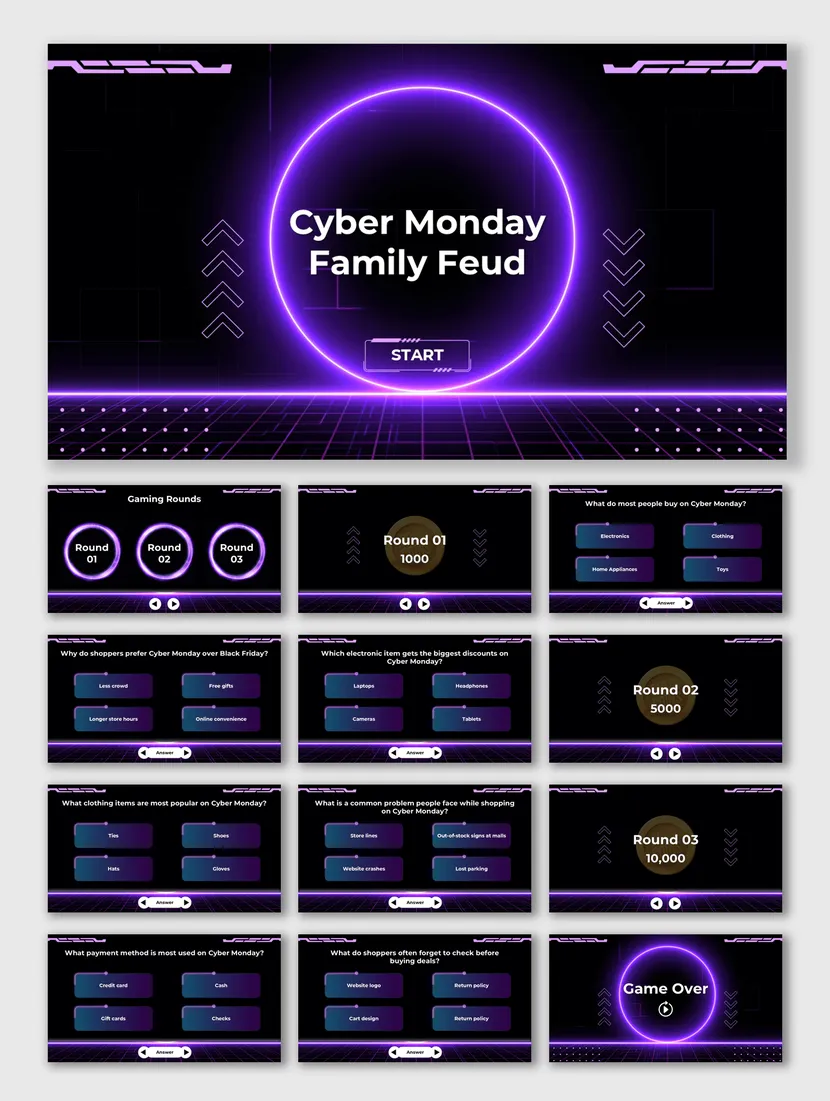
Cyber Monday Family Feud
A neon game board with 23 slides. Ask the team to guess the most popular answers about online shopping, wish lists and holiday deals.
Cyber Monday Family Feud PPT →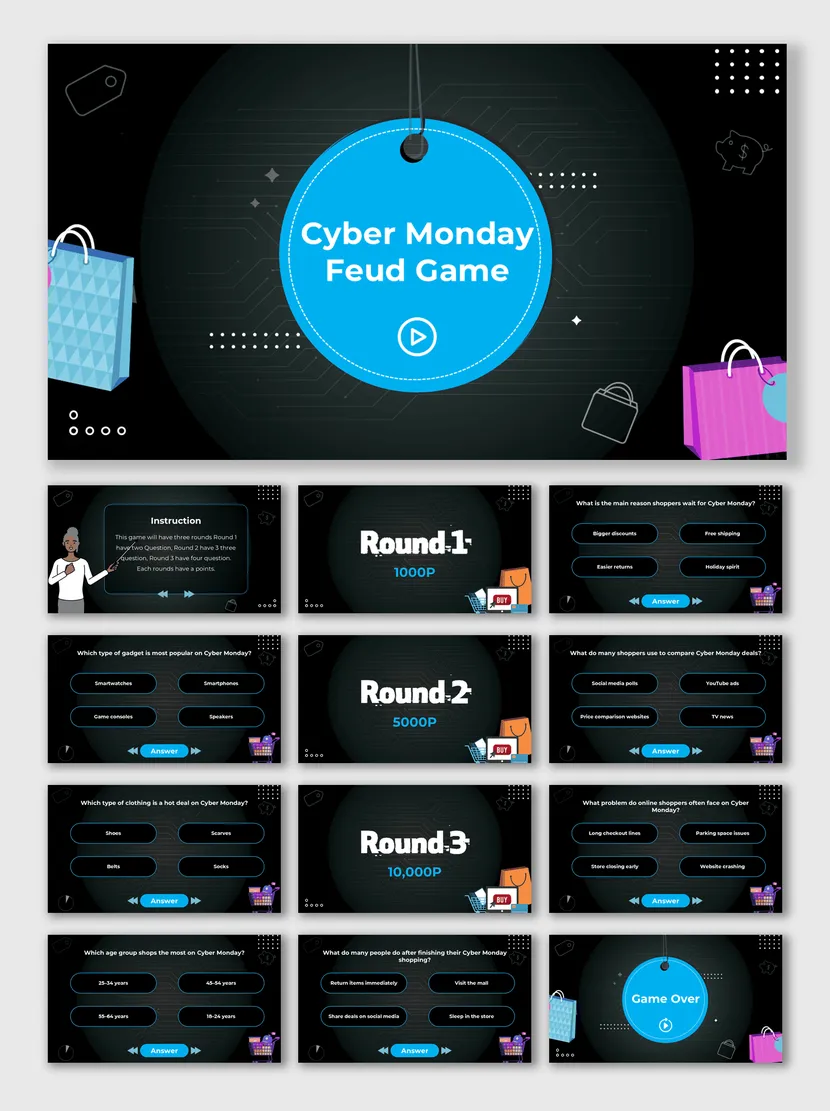
Cyber Monday Feud Game
Another 23-slide quiz game with a bright blue badge and shopping bags. It’s a friendly way to celebrate once the rush slows down.
Cyber Monday Feud Game PPT →Before You Hit Send
Six quick checks for a smooth sale day.
Cyber Monday leaves little room for mistakes. A five-minute check can save you from wrong prices, dead links and tiny text.
Key Benefits of SlideEgg's Cyber Monday Templates
Cyber Monday Video Tutorials
Watch quick, practical walkthroughs and level up your presentation design skills in minutes.


Cyber Monday Templates: FAQs
What are Cyber Monday PowerPoint templates?
They are ready-made slide designs built for online sale promotions. Each one comes with deal layouts, countdown slides, price callouts and offer banners, so you only replace the text, prices and images with your own.
Where can I download free Cyber Monday PowerPoint templates?
You can download them right here on SlideEgg. Pick any design marked Free, open it in PowerPoint or Google Slides, and start editing. Premium designs are on the same page if you want more layouts.
Are these Cyber Monday templates available for Google Slides?
Yes. Most designs work in both PowerPoint and Google Slides, and you can switch between the two formats on the template page. Check the format shown on each card before you download.
Which slides should a Cyber Monday presentation include?
Start with a countdown clock, then add a top three deals slide, a free shipping banner, a bundle and save slide, a customer love slide, and a last-chance reminder. This order builds urgency and ends on a clear push to buy.
How do I make a Cyber Monday presentation quickly?
Pick a template, replace the placeholder prices and images, and apply your brand colors. You can also use the AI option on this page to generate a starting draft from a short prompt, then fine-tune it by hand.
Which color style works best for Cyber Monday slides?
Neon and glow suits tech and gadget deals, purple gradients feel premium, bright and bold colors suit big discounts, and clean and fresh designs work for lifestyle and fashion brands. Pick the mood that matches your audience.
Where can I use Cyber Monday slides besides a presentation?
You can export slides as images for email headers, website banners, social media posts and in-store shop screens. One template can cover your whole campaign without a separate design tool.
How do I match a Cyber Monday template to my brand?
Change the theme colors and fonts once, and every slide updates together. Then add your logo to the slide master and replace the sample images with your own product photos.
Should I plan different decks for Black Friday and Cyber Monday?
It helps. Black Friday decks lean on in-store and doorbuster offers, while Cyber Monday decks focus on online-only deals, free shipping and tech picks. Plan each one separately so your message stays sharp. Browse our Black Friday templates to build both.
Can SlideEgg design a custom Cyber Monday deck for my business?
Yes. Our PPT Design Services team can build a branded Cyber Monday deck from your content, with custom layouts, icons and charts. Share your brief and offers, and we will take it from there.