Black FridaySave Up to 50% on Lifetime plan

Cluster Presentation Templates

Try it for free! Get 54+ ready-to-use Cluster PowerPoint Templates and Google Slides Themes to make awesome presentations for your brainstorming sessions. Try it!

Three branch cluster model in orange, green, and yellow, extending from a central circle, connected to smaller nodes.
Innovative Cluster Infographic PowerPoint PPT
Free
Slide featuring a central hub connected to four points with magenta icons and descriptions boxes, in a clean layout.
Free
Multicolored 3D pyramid with six levels, each labeled with numbers and corresponding text sections on the right.
Cluster Diagram Template — Edit And Present
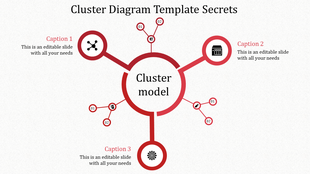
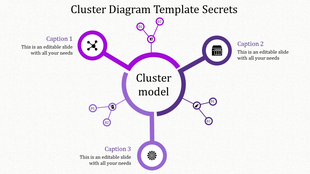
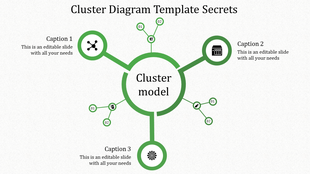
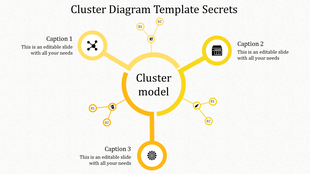
Cluster diagram template featuring a central circle connected to three smaller circular nodes with captions areas.
Free
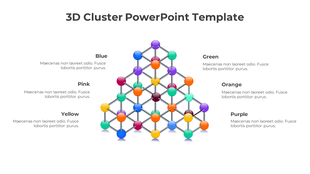
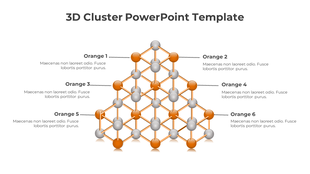
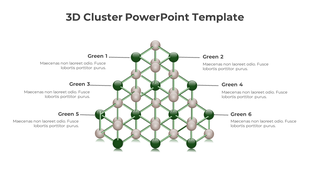
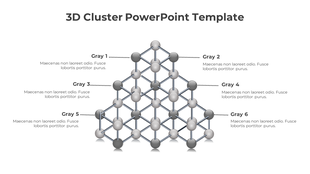
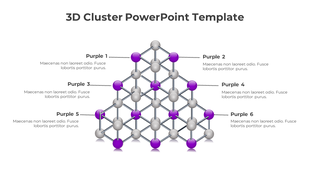
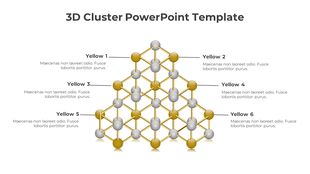
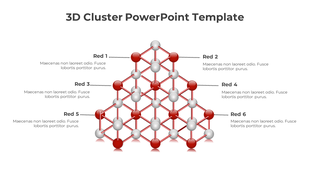
Innovative 3D Cluster PowerPoint And Google Slides
Free
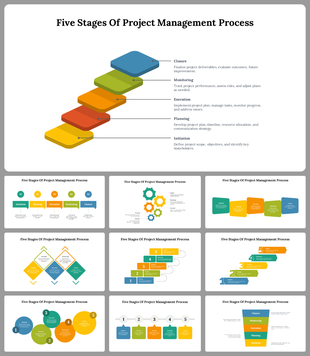
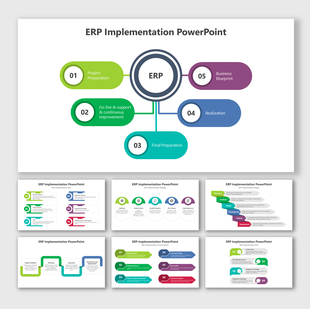
A pack of colorful flowchart slides showing project management stages with different layout designs and icons.
Got a Unique Idea? Craft with AI
Credits left : 0

Make Your Ideas Pop with Free Cluster PowerPoint Templates and Google Slides Themes!

Looking to bring your ideas to life? Our cluster presentation templates are the perfect tool for the job. They’re simple, effective, and designed to make your concepts stand out.

What is a Cluster Diagram? 

Imagine a web of connections where each point is an idea or a fact. That’s what a cluster diagram is. It’s a visual map that shows how different points are linked together, making it easier to see the big picture. They are like secret codes that unlock understanding. They sort information so it’s easy to grasp and remember. They’re great for studying, planning, or explaining things to others.

Why Are Cluster Diagram Presentations Important? 

Presentations with cluster diagrams are like guided tours through complex information. They help your audience follow along and catch every detail. It’s about making sure no one gets lost in the shuffle.

How Our Slides Help:

Our slides can adapt to your style and needs. With a rainbow of colors and a variety of shapes, they transform your presentation into a memorable experience. With 3D designs, multicolor options, and multiple nodes, our slides are the key to unlocking your potential. Our collection is a pack of cluster slides for every need. Whether you’re mapping a business strategy or organizing a school project, we’ve got the template that will make your work shine. They are more than just pretty pictures. They’re smart, flexible, and ready to work hard for you. With easy-to-edit features, they’re the sidekick you need to make your presentation a hero.

Features and Benefits:

Our slides come with no extra charges, meaning they're royalty-free. You can tweak them as much as you want because they're completely editable. They're designed to work on any screen and come in different formats and orientations. Plus, you can test them out for free before making a purchase.

Who and Where Can Use Them? 

Our slides are for everyone, everywhere. If you’ve got ideas to share, we’ve got the template to showcase them. Perfect for classrooms, boardrooms, or any room where learning and collaboration happen.

Take the first step toward a standout presentation. Dive into our collection of slides and find the perfect match for your next big idea. Don’t wait—explore our cluster diagram PowerPoint templates today! Start creating with us and let your ideas take center stage.

Cluster Templates: FAQs

What are Cluster PowerPoint Templates?

Cluster PowerPoint Templates are pre-built designs with different layouts and designs, often including charts, graphs, images, and other content that can help make your presentation more impactful. Using this Template, you can save time and create a professional-looking presentation with minimal effort.

Where can we use these Cluster Slides?

Anyone can use these Cluster PowerPoints templates for business meetings, marketing events, conferences, lectures, educational seminars, and many more. They can also be used to create engaging visuals for blogs and websites or to help simplify complex topics or ideas.

How can I make Cluster PPT Slides in a presentation?

To start, you will need to open the presentation software of your choice (Microsoft PowerPoint, Google Slides, etc.) and create a new slide. Once you have completed the slide, select visuals and images to illustrate each point. Suppose you want to create slides. Visit Tips and tricks for detailed instructions.

Who can use Cluster PPT Templates?

Cluster PPT Templates can be used by anyone who needs to create a simple presentation in a short amount of time. They are ideal for students, business professionals, educators, and others who need to create a compelling presentation quickly.

Why do we need Cluster PowerPoint Slides?

Cluster PowerPoint Slides are a great way to present complex data, relationships, and trends in an organized and visually appealing manner. Also, these can be used to showcase trends and patterns, compare different variables, and illustrate relationships between other parts of a project.

Where can I find Cluster PPT Templates for free?

You can find a variety of Free Cluster PPT templates on sites such as Slide egg. Our websites have a selection of uniquely designed templates that you can customize and modify to suit your needs.