Black Friday Presentation Templates
Super Sale! Boost your Black Friday campaigns and beef up your marketing and advertising strategies with our exclusive Free Black Friday PowerPoint templates and Google Slides. Share the discounts and deals with the striking designs in stunning colors and adaptable features of our presentation templates, which promise to make your promotions stand out.


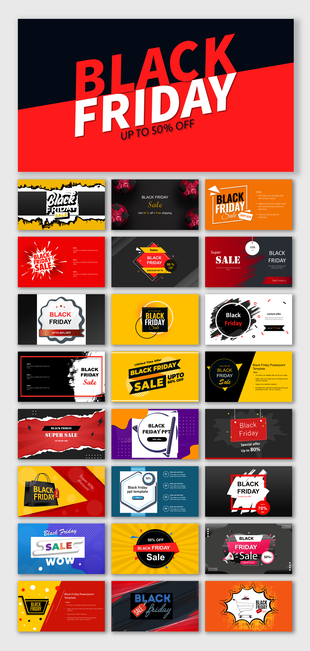





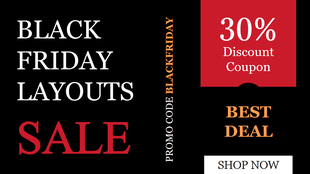
Showing48 of70
Plan Your Black Friday Sale with PowerPoint and Google Slides
Black Friday moves fast. One day you’re planning your deals, and the next your inbox, your feed and your shop floor are all buzzing about doorbusters and early-bird offers. Getting your slides ready before the holiday rush is half the battle, and that’s where SlideEgg helps. You’ll find 70+ Black Friday PowerPoint templates and Google Slides themes with offer slides, campaign plans and sales strategy layouts already built.
Think of the roadmap below as your game plan. Plan early, tease your biggest deals, go live on the day, then look back at what sold once the Cyber Monday dust settles. Each step has templates picked for it. Every design is editable, and most also work in Google Slides and Canva.
Running an online store, a neighborhood shop or a sales team? You’ll find ideas for all three further down, from ready-to-borrow offer lines to a last-minute checklist.
Black Friday Campaign Roadmap
Four phases, with a template for every step.
A good Black Friday campaign has a rhythm: you plan, you tease, you sell and you review. Each phase below explains what to prepare and links to templates that match that job.
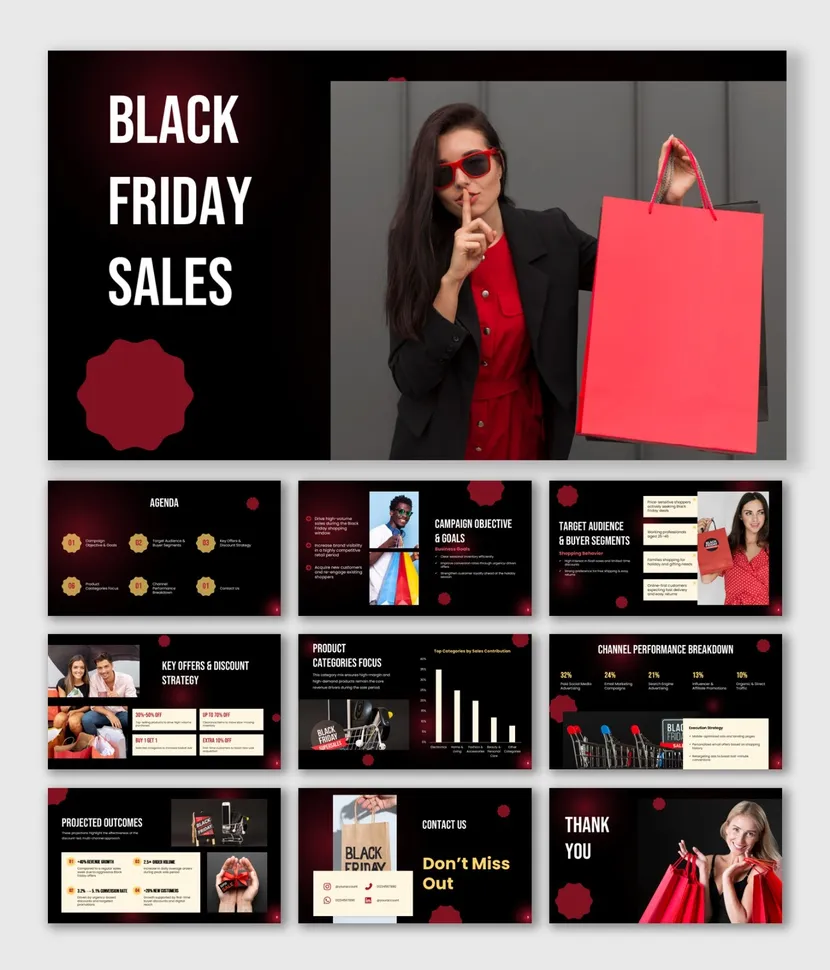
Set Your Goals and Offers
Start with the numbers: your sales target, your discount levels and the products you plan to feature. Strategy and infographic layouts make it easy to share the plan with your team or your manager before the campaign begins.
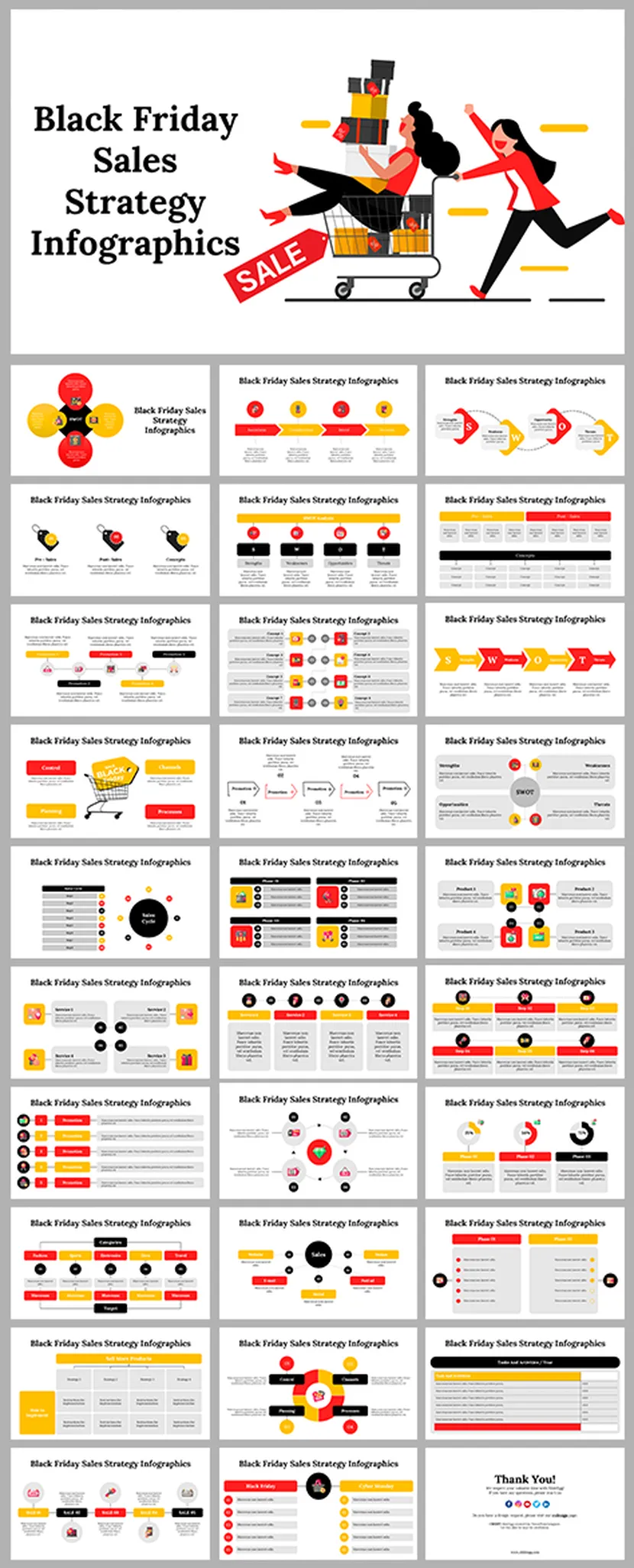
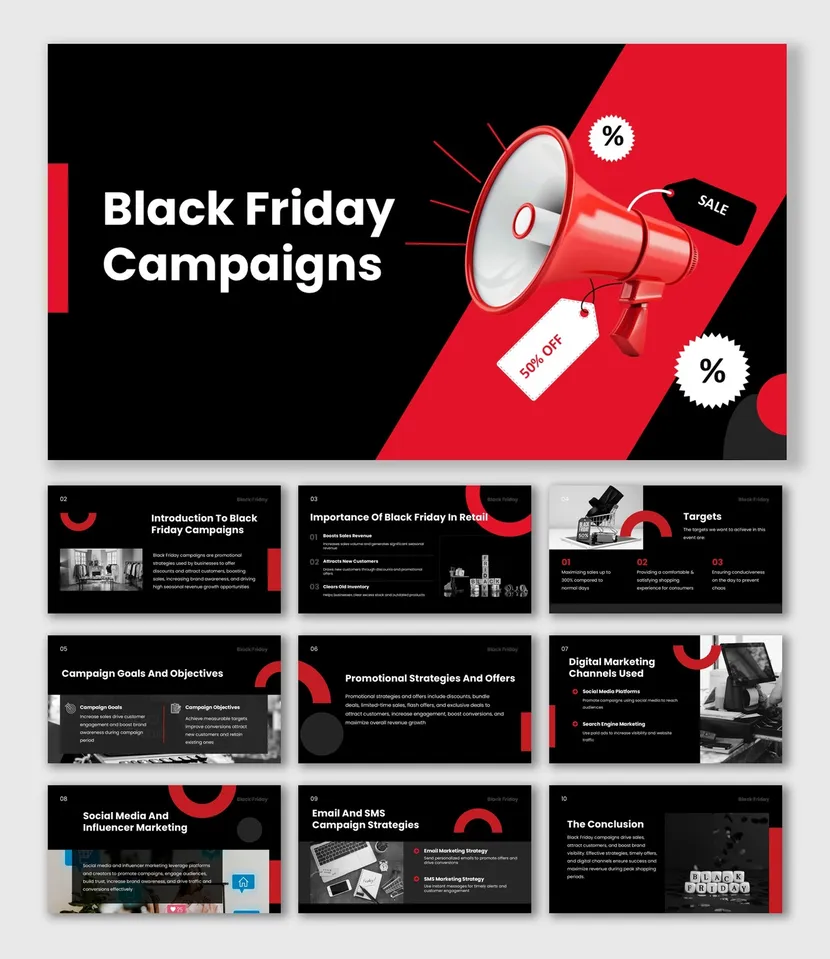
Build the Buzz Before Friday
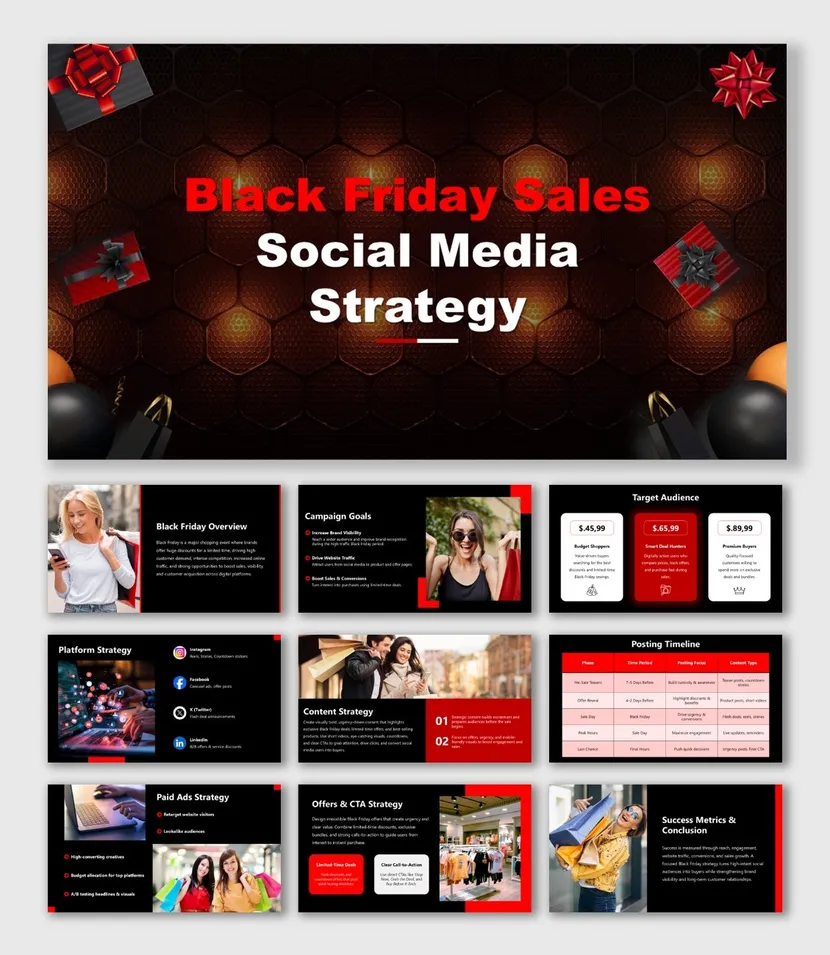
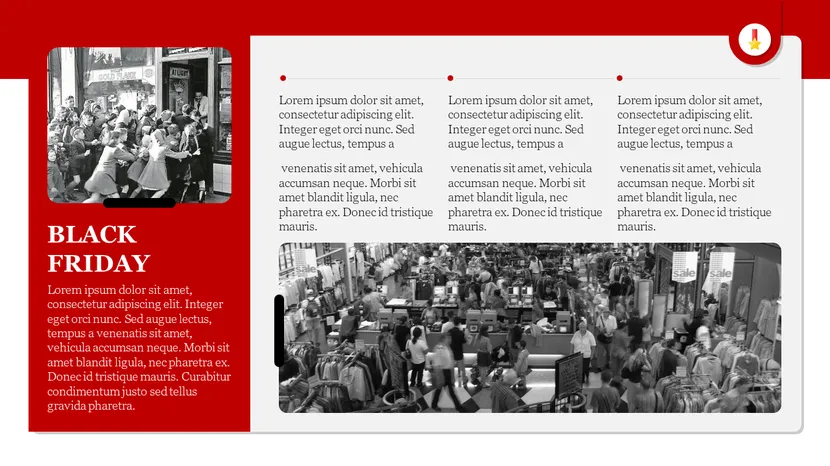
Tell customers what is coming before the day arrives. A social media plan, a story-sized slide and a newsletter layout keep your teaser posts and emails consistent, so shoppers recognize your sale at a glance.

Present the Deals on Black Friday
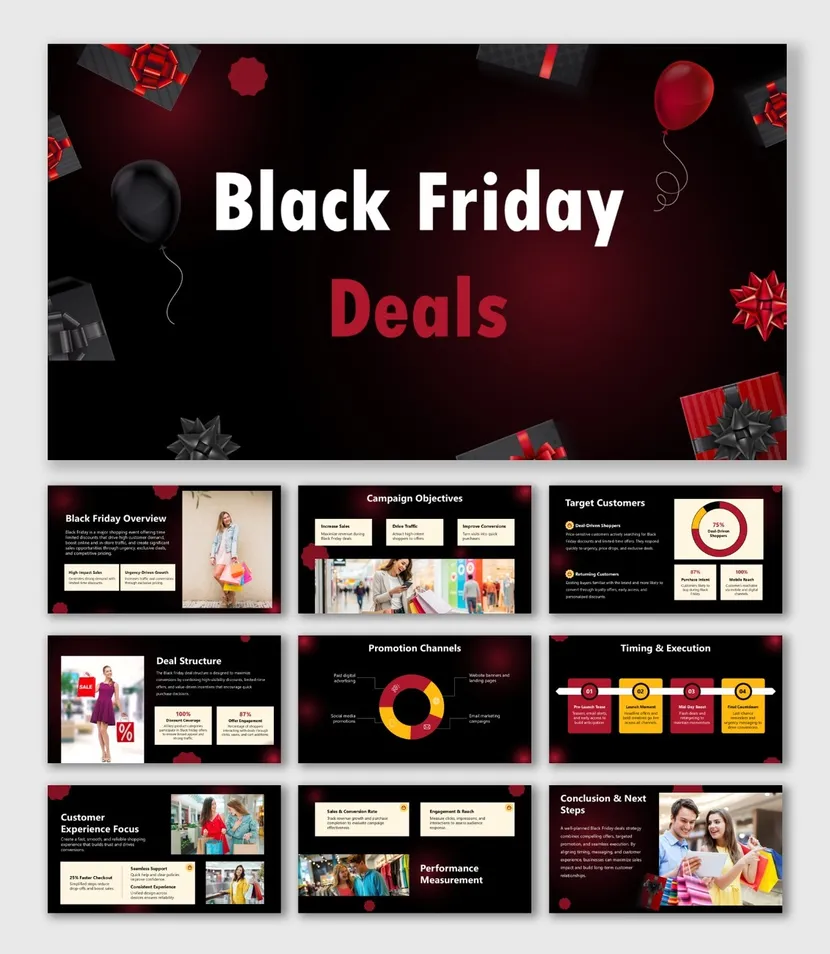
On the day, keep the message short and the offer obvious. Lead with your biggest discount, show the coupon code and add a clear deadline. Bold deal slides help your sales team, your shop screen or your web banner stay on message.


Report the Results and Plan Ahead
When the weekend ends, show what worked. A recap deck helps you share sales results, top products and shopping trends with your team, and it gives you a head start on next year’s plan.
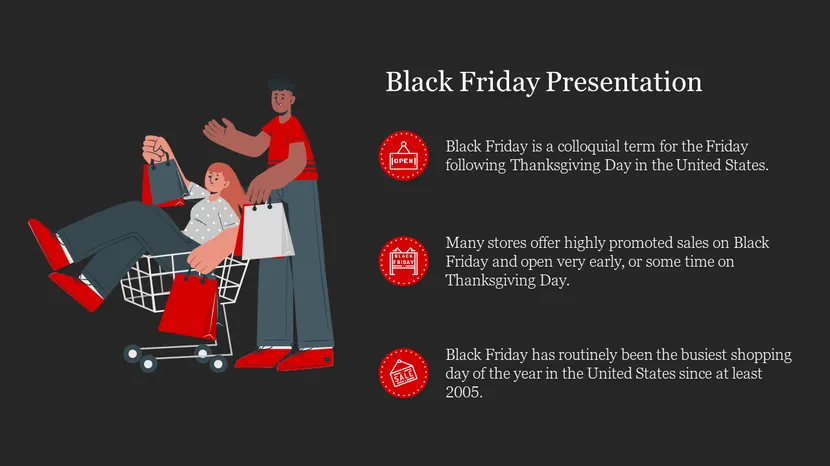
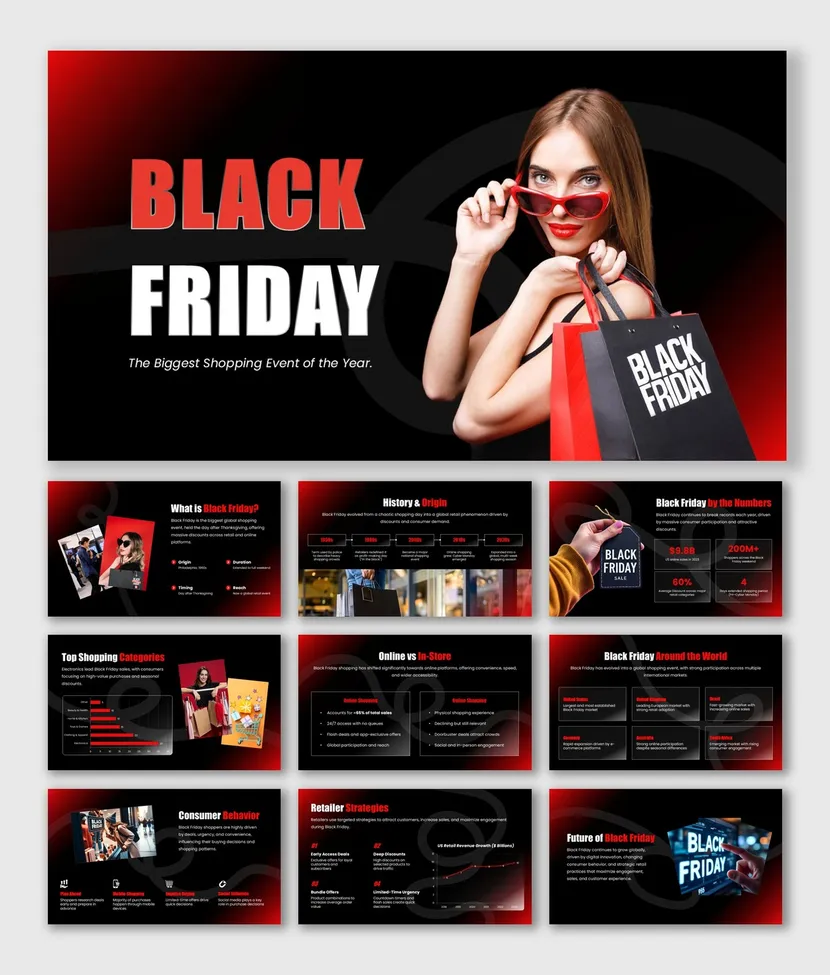
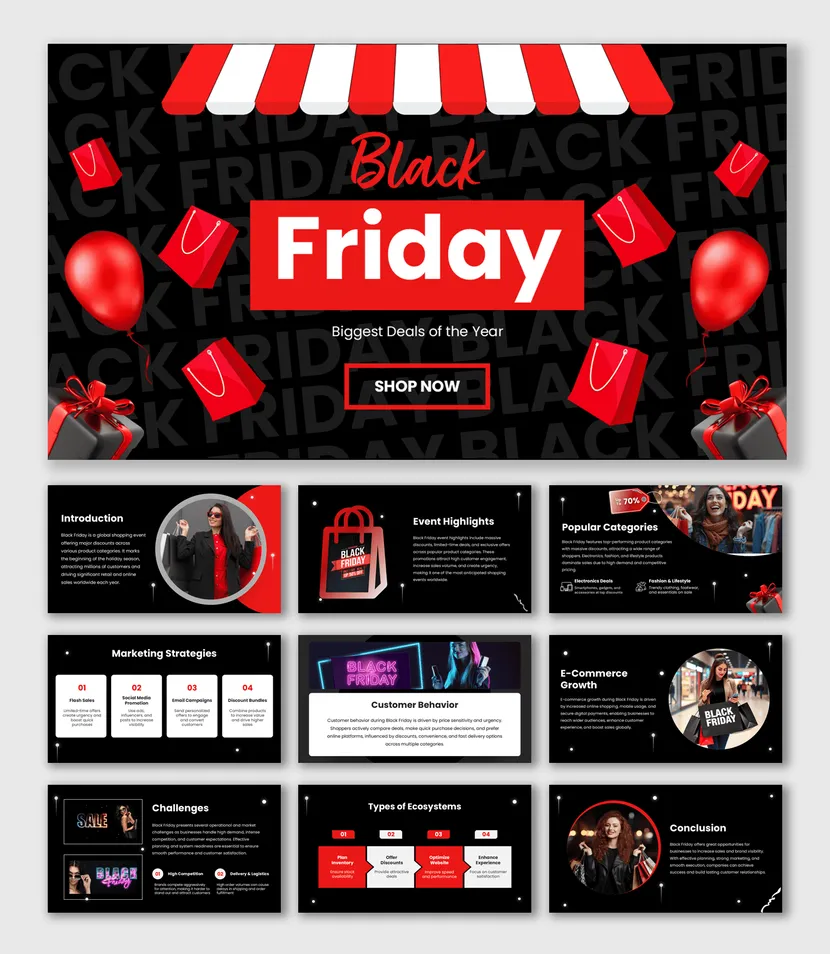
Pick a Black Friday Look
Choose a style that fits your brand and your audience.
The same offer can feel premium, playful or urgent depending on the design. Pick the look that matches your products, then replace the text, colors and images to make it yours.

Bold Yellow Sale
A high-contrast yellow and black design with a limited-time offer banner. It suits flash sales, banners and quick social slides.
Bold Yellow Black Friday Template →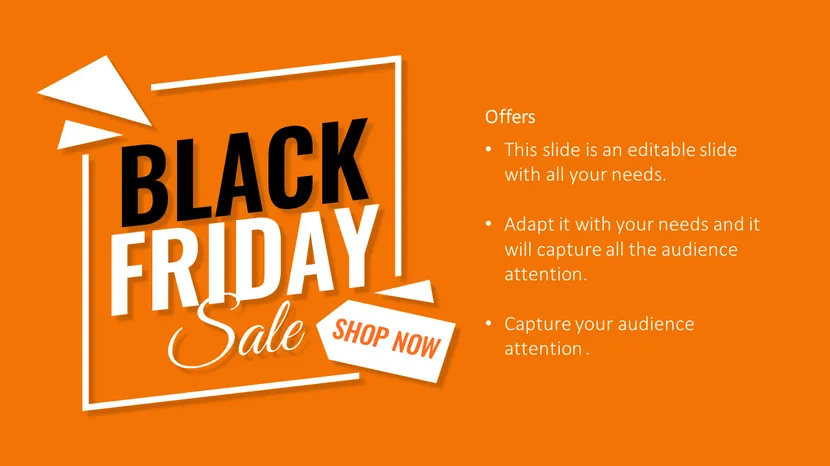
Orange Offer Layout
A smooth orange background with room for your offer text and images. A warm look that stands out beside the usual red and black.
Orange Black Friday Diagram Slides →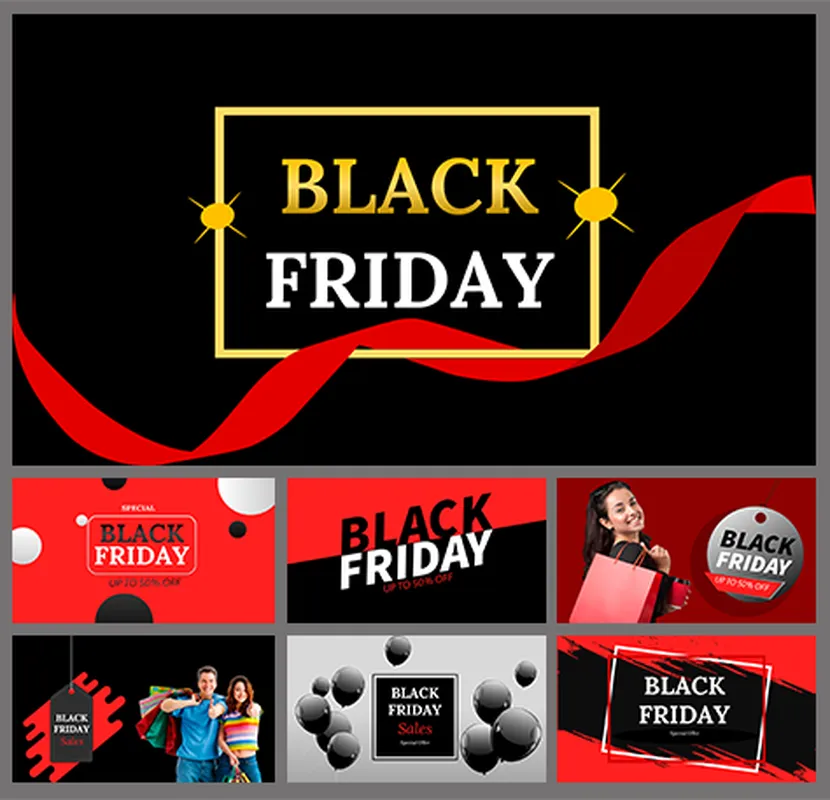
Gold Frame on Black
A black slide with a gold frame and a red ribbon. It gives premium products and brand campaigns a polished, upscale look.
Black Friday Background Template →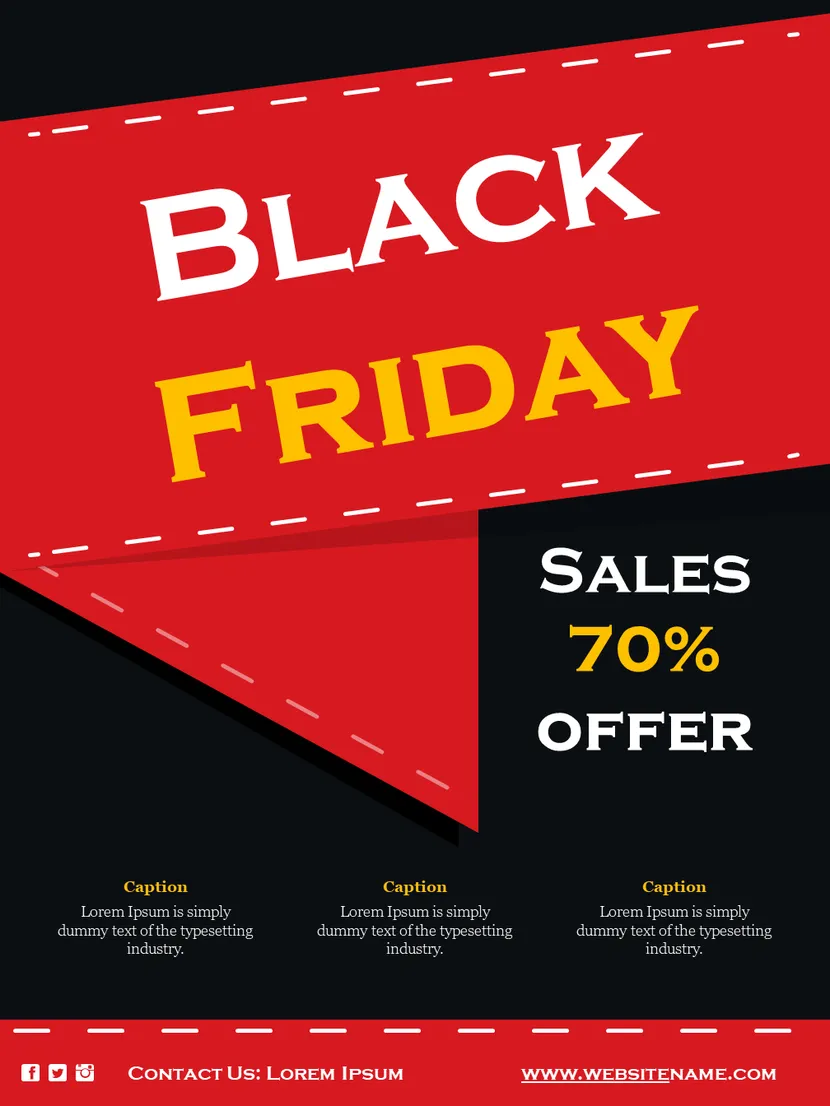
Red Flyer Style
A bold red design with large lettering, made for flyers, posters and in-store screens where the headline has to be read from a distance.
Black Friday Flyer Template →Slides Every Black Friday Sales Deck Needs
Nine slides cover most sale presentations.
Not sure what to include? Use this outline as a starting order. You can merge or skip slides when your offer is simple, and add more when you have many categories.
Offer Headline
Your biggest deal in one line, such as the discount and the end date.
Deal Highlights
Three or four top offers with a product image and a price.
Product Categories
Group deals by category so shoppers find their section fast.
Coupon Code
Show the code in large type and say where to enter it.
Timeline and Countdown
Start time, end time and any early-access window.
Customer Benefits
Free shipping, easy returns or a gift with purchase.
Channel Plan
Where the offer appears: site, email, social and in store.
Call to Action
One clear next step, such as shop now or visit the store.
Terms and Fine Print
Exclusions, stock limits and return rules in short, readable lines.
Offer Lines to Borrow
Short, specific lines work best on a sale slide.
A shopper should understand your offer in two seconds. Name the benefit, add one number and set a deadline. Use these sample lines as patterns and swap in your own products and dates.
Where to Use Your Black Friday Slides
One deck can serve your site, your feed and your team.
Black Friday slides are not only for presenting. Because every design is editable, you can reuse the same artwork across the places your customers see your offer.
Websites and Online Stores
Turn slides into banners and landing page graphics, or show the full offer on a deals page.
Social Media
Export slides as posts, stories and short videos that announce the sale and count down to it.
Sales Meetings and Newsletters
Present targets and results to your team, and reuse the same slides in emails to customers.
Pre-launch Checklist
Six checks before your sale goes live.
Small mistakes cost the most on a big sales day. A quick review catches wrong prices, missing codes and unreadable slides while you can still fix them.
Key Benefits of SlideEgg’s Black Friday Templates
Black Friday Video Tutorials
Watch quick, practical walkthroughs and level up your presentation design skills in minutes.


Black Friday Templates: FAQs
What are Black Friday presentation templates?
They are ready-made slide designs for promoting a Black Friday sale. You get offer slides, discount banners, coupon code and countdown layouts, campaign plans and sales reports, so store owners, marketers, sales teams and students can build a deck without starting from a blank slide.
Where can I find free Black Friday PowerPoint templates?
SlideEgg has 70+ Black Friday PowerPoint templates and Google Slides themes in one place. Look for the Free label on a card, or open the Free tab above the grid to see the no-cost designs. Pick one, download it and edit it in minutes.
Can I use these templates in Google Slides and Canva?
Yes. The templates are built for PowerPoint, and most also work in Google Slides and Canva. Check the template page for the available formats, then edit the text, colors and images the way you normally would.
What slides should a Black Friday sales presentation include?
Most sale decks work well with nine slides: offer headline, deal highlights, product categories, coupon code, timeline and countdown, customer benefits, channel plan, call to action, and terms and fine print. Merge or skip slides when your offer is simple.
Which colors and themes work best for Black Friday slides?
Black with one bold accent is the safest bet. Red adds urgency, yellow and gold suit premium deals, and orange gives a warmer look that stands out from the usual red and black. SlideEgg’s collection includes bold yellow, orange, gold-on-black and red flyer styles, so pick the one that fits your brand and keep the text high contrast.
How can I make a Black Friday presentation quickly?
Start from a template, give each slide one offer and keep the text short. The 5-5-5 rule helps: about five words per line, five lines per slide and no more than five text-heavy slides in a row. Short on time? Describe your business and offer in SlideEgg’s AI Presentation Maker, then double-check every price, date and coupon code.
Where can I use Black Friday slides?
Anywhere your customers or team see your offer. Turn slides into website banners and landing page graphics, export them as social posts and stories, show them on in-store screens, or present targets and results in sales meetings and newsletters.
Can I use these templates for a school or college presentation on Black Friday?
Yes. Some templates include sections such as an introduction, the history of Black Friday, key highlights, popular product categories, consumer behavior and sales channels, which suit assignments on retail, marketing or economics. Pick a deck with those sections and add your own research.
Can I add my own logo, brand colors and prices?
Yes. Every slide is editable, so you can change offers, prices, fonts, colors, logos and images to match your brand. Many designs come in both 16:9 and 4:3, so they fit widescreen displays and older projectors.
Can I get a custom Black Friday deck designed for my brand?
Yes. If you need a branded sale deck, SlideEgg’s PPT Design Services team can build a new one or redesign your existing slides to match your brand.