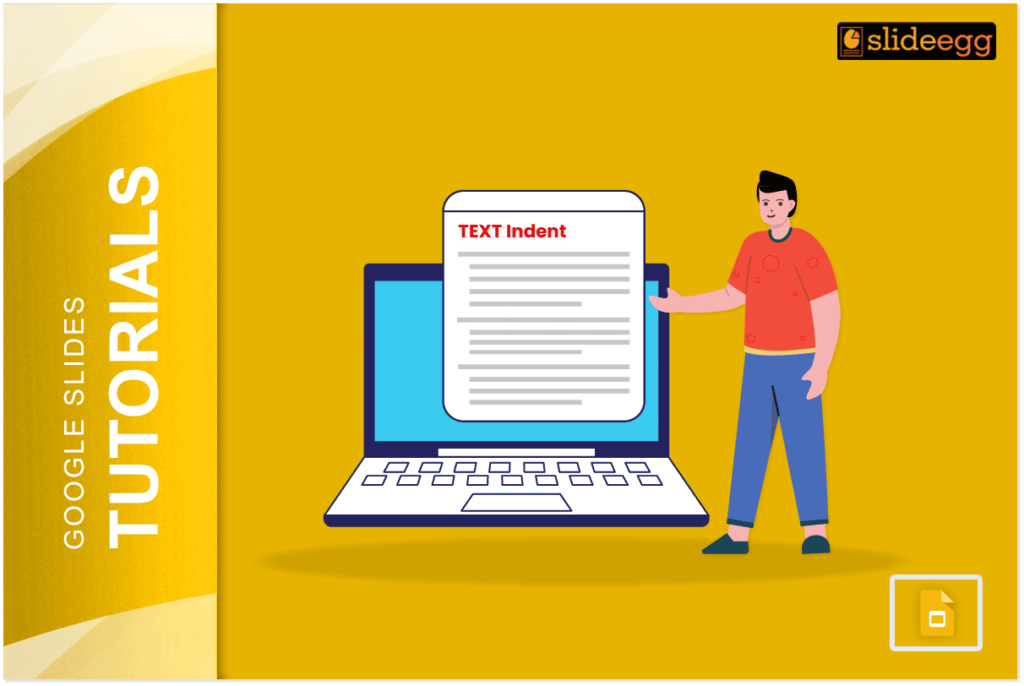
 Google Slides Tutorials
Quick Tips for Indenting Citations in Google Slides: 💠Use the space bar or tab key to create basic indents.💠For hanging indents, use a first-line indent...
 Google Slides Tutorials
Quick Tips to Highlight Multiple Slides in Google Slides✅Open your Google Slides presentation.✅Click on the first slide you want to highlight.✅Hold the Shift key (for...
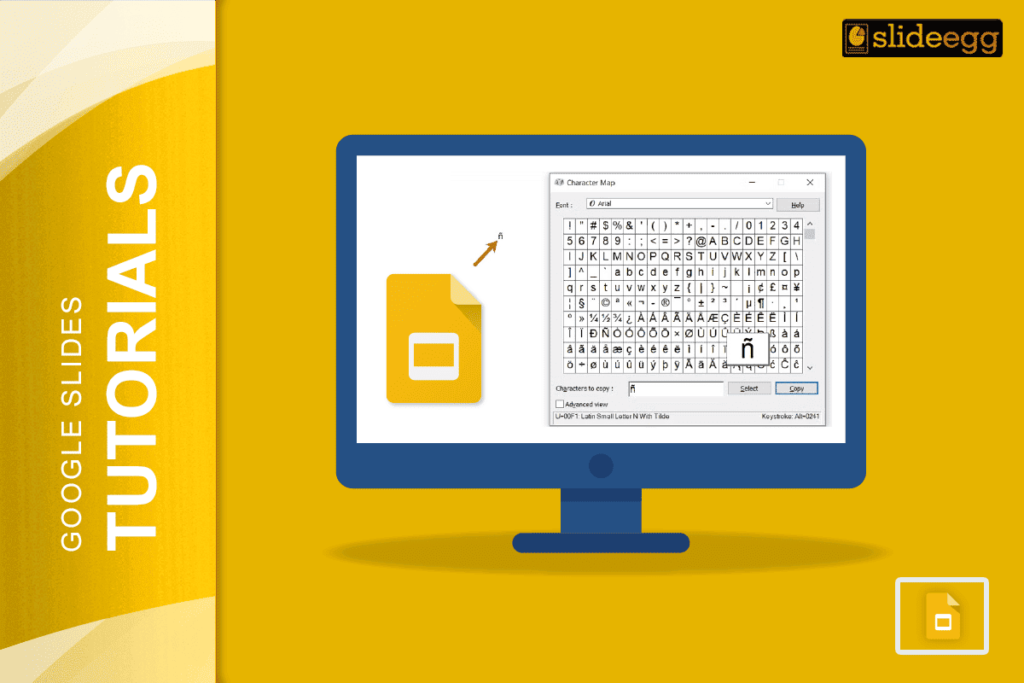 Google Slides Tutorials
🔥 Quick Tips: How to Type Accents in Google Slides✅ Use Google Docs to type accented letters, then copy-paste into Slides.✅ Try keyboard shortcuts (Windows:...
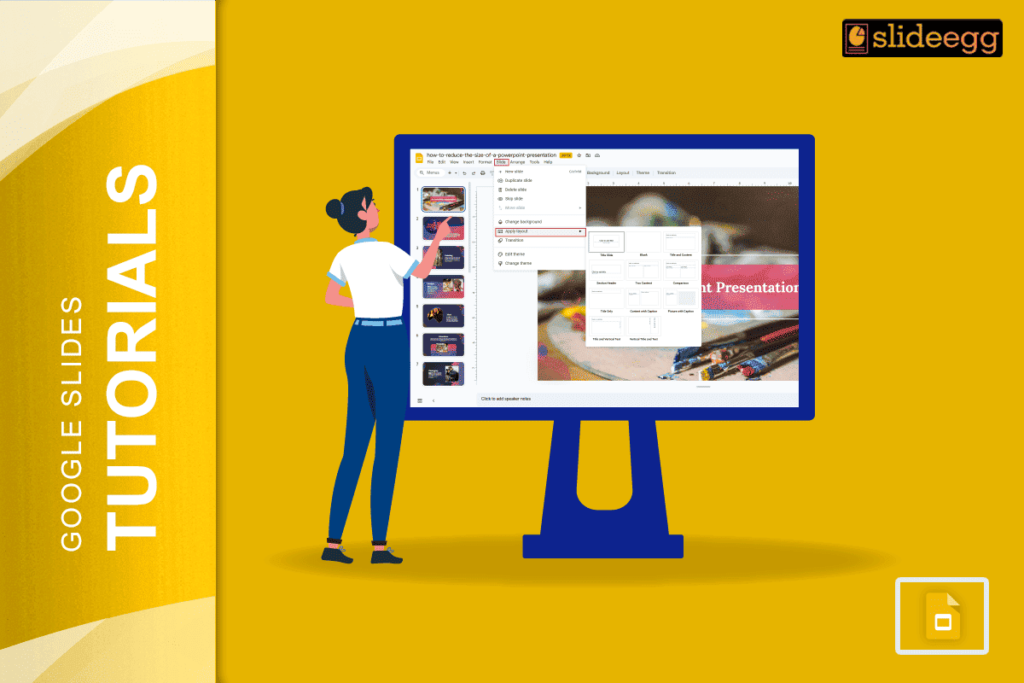 Google Slides Tutorials
Quick Tips to Edit Layout in Google Slides🔥 Open your Google Slides presentation.🔥 Click on “Slide” → “Edit theme” to change layouts.🔥 Pick a slide...
 Google Slides Tutorials
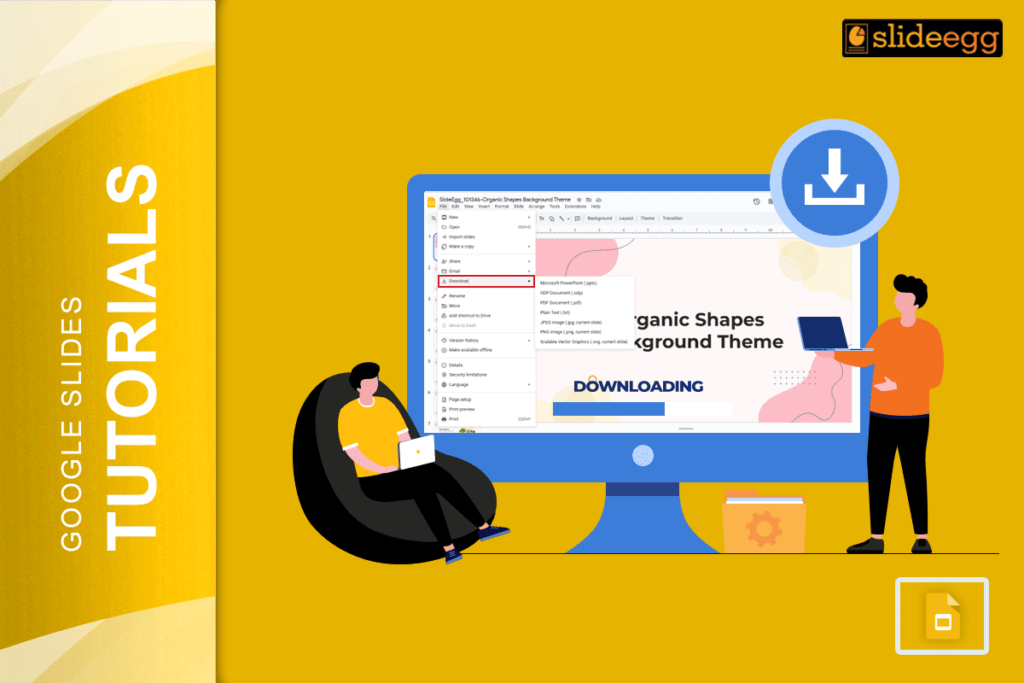
🟢 Quick Tips to Download a Google Slides Presentation! ✅ Make sure you’re signed into your Google account.✅ Open your Google Slides file.✅ Click on...
 Google Slides Tutorials
✅ Quick Tips: How to Delete Multiple Presentations in Google Slides 🚮 Google Slides doesn’t let you delete files from the app itself.🚮 You need...