 Google Slides Tutorials
Quick Tips for Adding Sound Effects in Google Slides:🎵 Use Google Drive: Upload the sound effects to Google Drive before inserting it.🎤 Insert Audio: Click...
 Google Slides Tutorials
Quick Tips to Insert Pictures in Google Slides:* Click “Insert” → “Image” → Choose your source (Upload from computer, Google Drive, URL, Camera, etc.).* Drag...
 Google Slides Tutorials
Quick Tips: What Audio Files Does Google Slides Support?Before we dive into the details, here’s a quick rundown of the audio formats that work in...
 Google Slides Tutorials
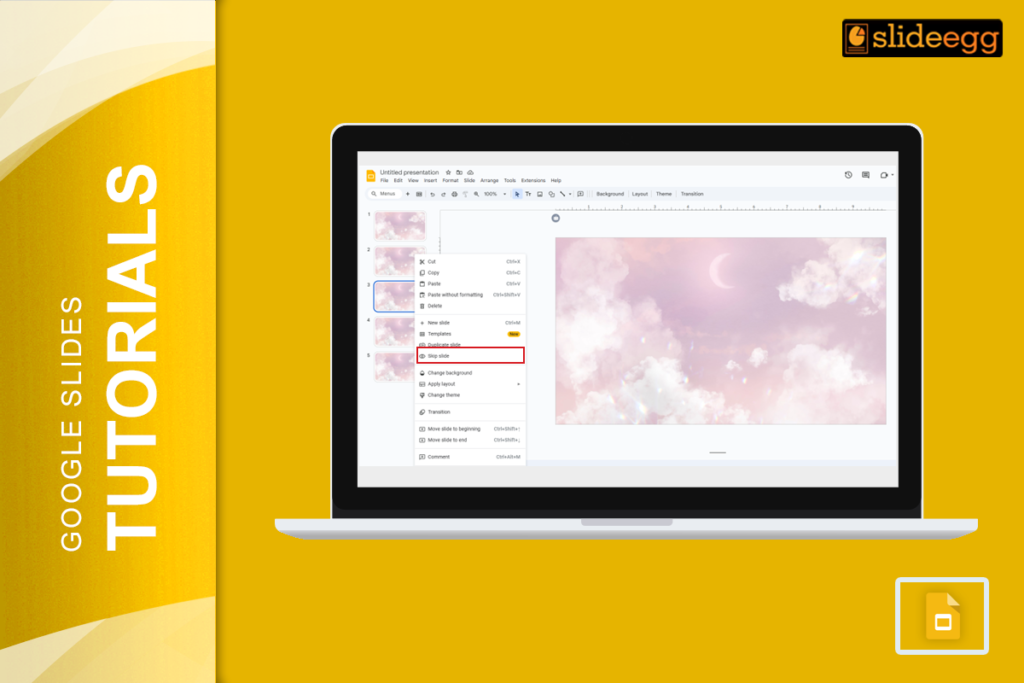
Quick Tips for Skipping and Unskipping Slides in Google Slides🔹 To skip a slide: Right-click on the slide in the left panel → Click “Skip...
 Google Slides Tutorials
Quick Tips to Screen Record Google Slides* Use built-in screen recording tools on Windows or Mac (like Xbox Game Bar or QuickTime).* Install a free...
 Google Slides Tutorials
🟢 Quick & Easy Method to Save a Google Slide as an ImageIf you’re in a hurry, here’s the fastest way to download a slide...