 Google Slides Tutorials
Quick Tips to Copy and Paste in Google SlidesWant to copy and paste text, images, or slides in Google Slides? Here’s a quick guide: ✔...
 Google Slides Tutorials
Quick Tips to Change Image Shape in Google SlidesWant to make your slides more creative? Here’s a quick way to crop an image into any...
 Google Slides Tutorials
Quick Tips to Cast Google Slides to TVWant to show your Google Slides on a big TV screen? Here’s a quick way to do it:...
 Google Slides Tutorials
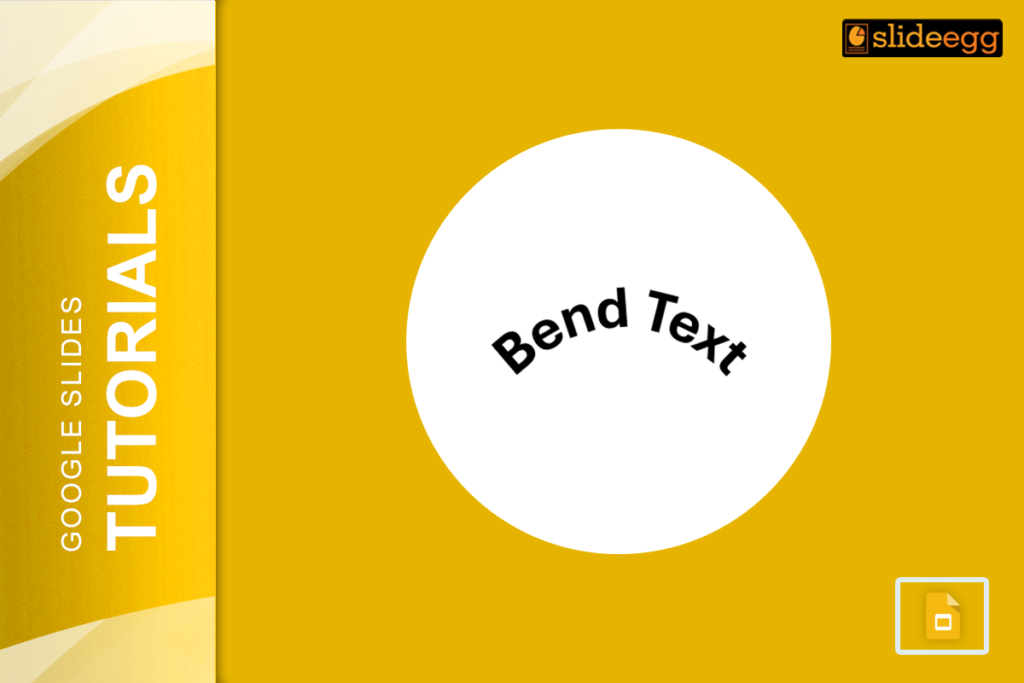
Rapid Tips to Bend Text in Google Slides1. Use Word Art – Insert “Word Art” and manually adjust its shape.2. Use Curve Text Generator –...
 Google Slides Tutorials
Quick Outline to Animate Text in Google SlidesHere’s a quick overview of how to animate text in Google Slides: ✔ Select the text box you...
 Google Slides Tutorials
Quick Tips to Animate Bullet Points in Google SlidesHere are the key steps to animate bullet points in Google Slides: 1. Open your Google Slides...