 Google Slides Tutorials
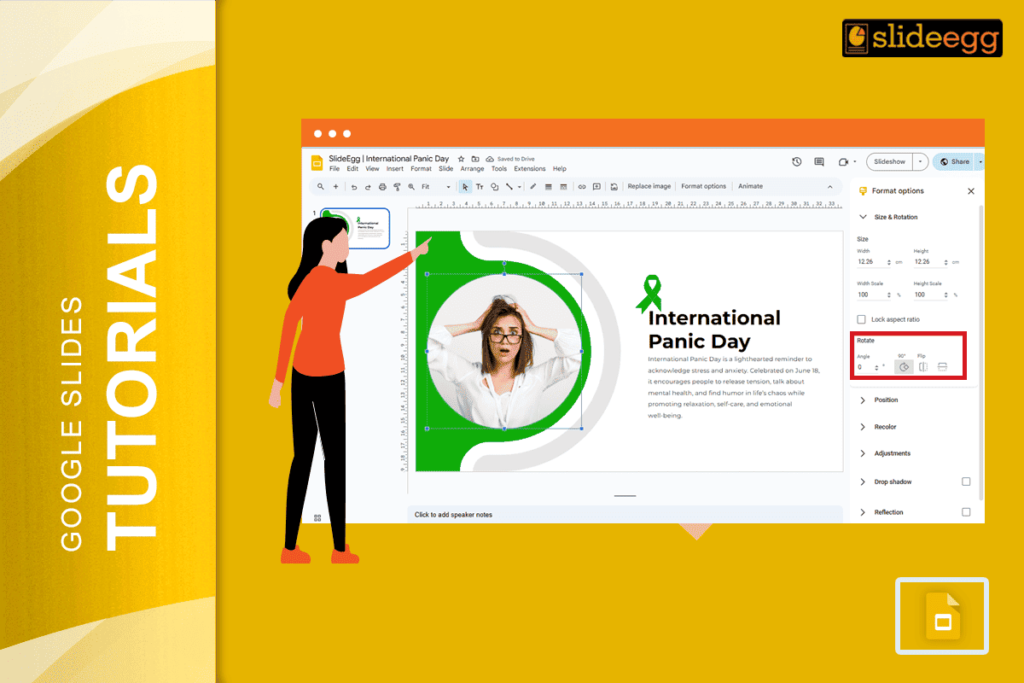
Quick Tips: How to Invert an Image on Google Slides 🌸Open your Google Slides presentation.🌸Click on the image you want to flip.🌸Go to the “Arrange”...
 Google Slides Tutorials
Quick Tips to Set MLA Format on Google Slides✦ Use Times New Roman, size 12 font.✦ Set all text to double spacing.✦ Add a title...
 Google Slides Tutorials
Quick Tips to Add Comments in Google Slides!* Open your Google Slides file.* Click on the text, image, or element where you want to add...
 Google Slides Tutorials
Quick Tips to Use Lucidchart in Google Slides✅Open Google Slides and click Extensions.✅Find Lucidchart Diagrams and install it.✅Click Insert > Diagram to pick your chart.✅Drag...
 Google Slides Tutorials
Quick Tips to Unskip / Unhide a Slide in Google Slides ✅ Open your Google Slides presentation.✅ Look at the left-hand side where all slides...
 Google Slides Tutorials
✅ Quick Tips: How to Transfer Google Slides Ownership✔️ Open your Google Slides file.✔️ Click Share in the top-right corner.✔️ Add the new owner’s email...