
Posts by Arockia Mary Amutha
 Google Slides Tutorials
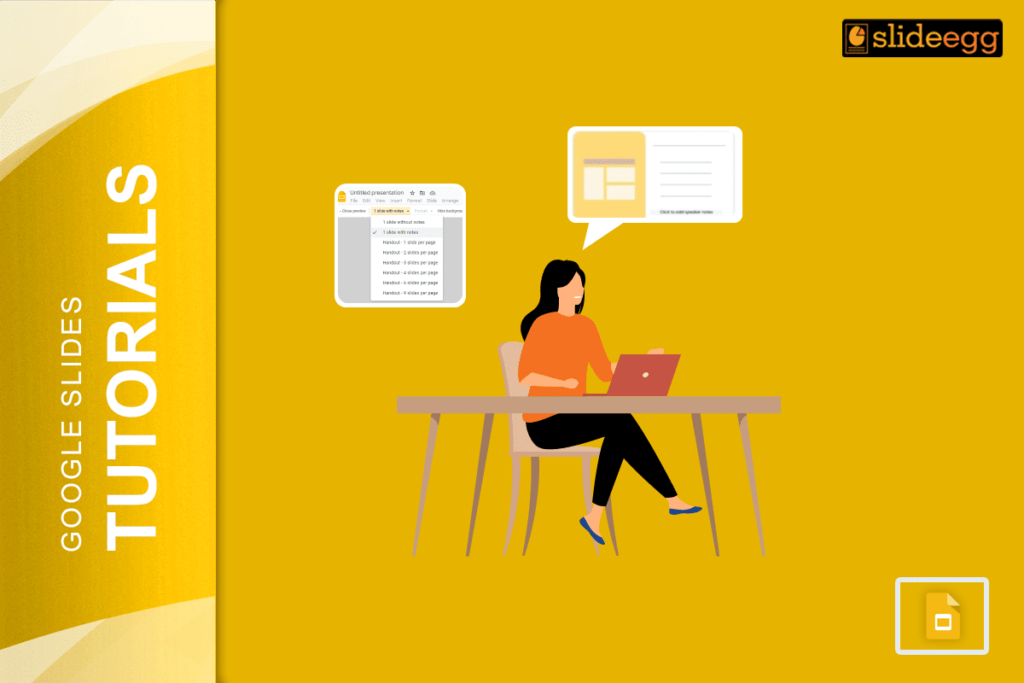
Quick Tips to Print Google Slides with Lines for Notes 💠Open your Google Slides presentation.💠Click File > Print Settings and Preview.💠Select the “1 slide with...
 Google Slides Tutorials
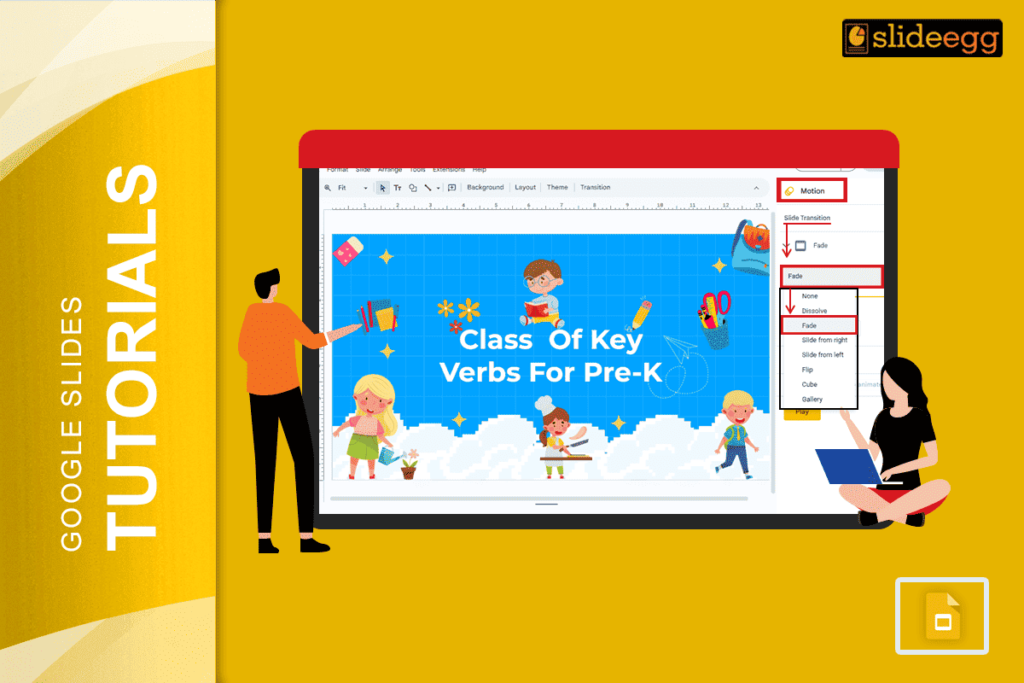
Quick Tips for Making Words Transition on Google Slides: 🌀Open your Google Slides presentation.🌀Click on the text box or word you want to animate.🌀Go to...
 Google Slides Tutorials
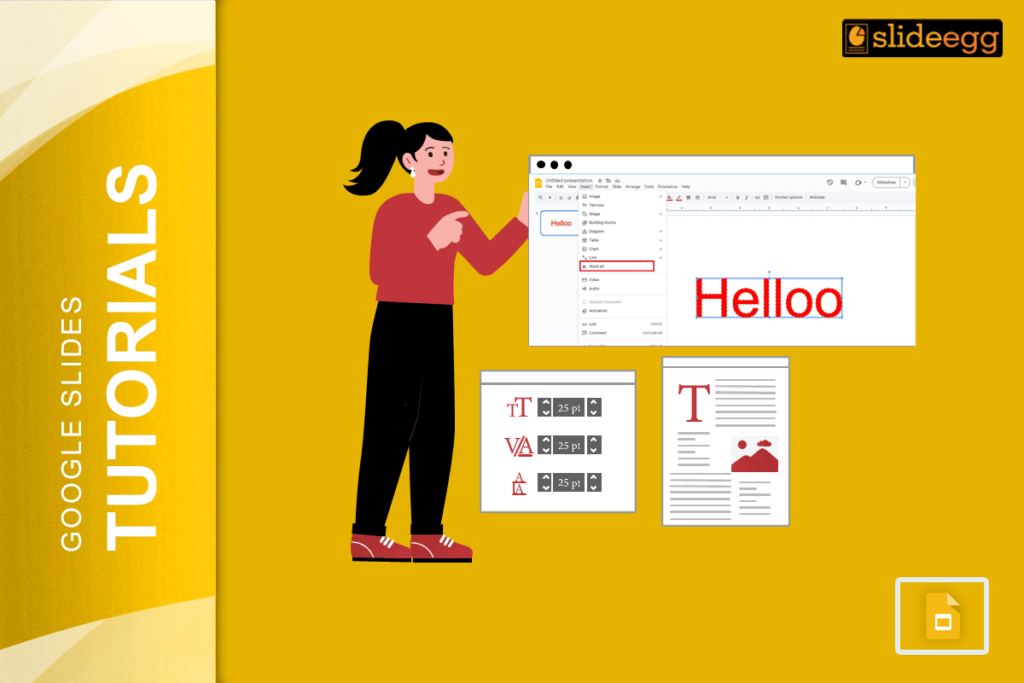
Quick Tips: Make Text Glow in Google SlidesGoogle Slides doesn’t have a direct “glow” option, but with a few tricks, you can fake it like...
 Google Slides Tutorials
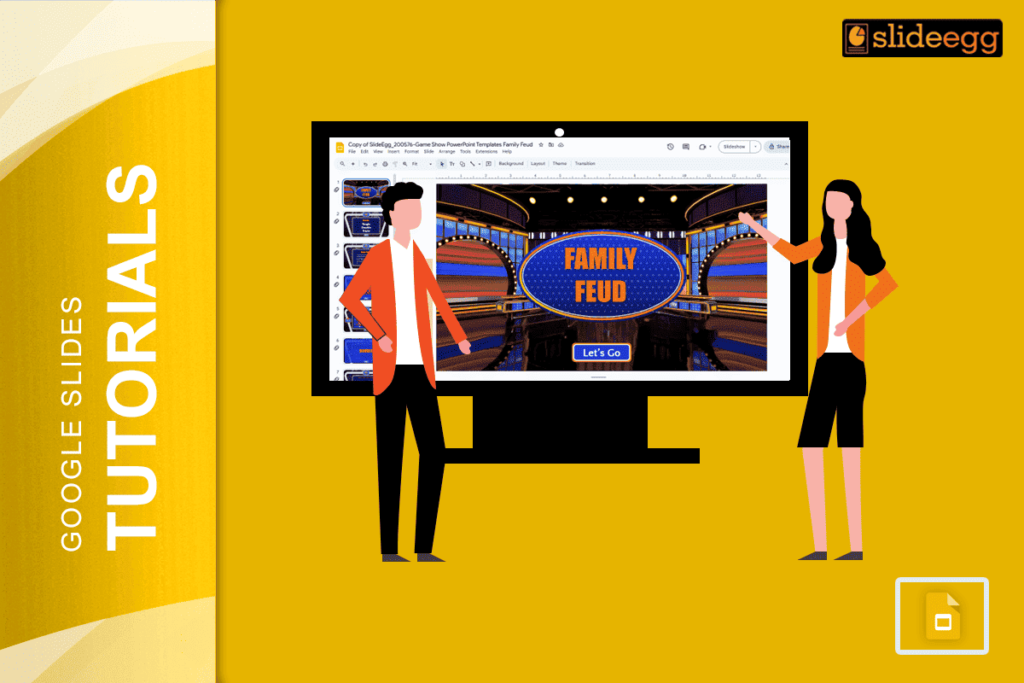
Quick Tips: How to Make a Family Feud Game on Google Slides ✅ Decide your game theme (family, friends, school, etc.)✅ Open Google Slides and...
 Google Slides Tutorials
Quick Tips to Make a Video Presentation with Google Slides👉 Open Google Slides and create your slides.🎤 Add voice narration using tools like Screencastify or...
 Google Slides Tutorials
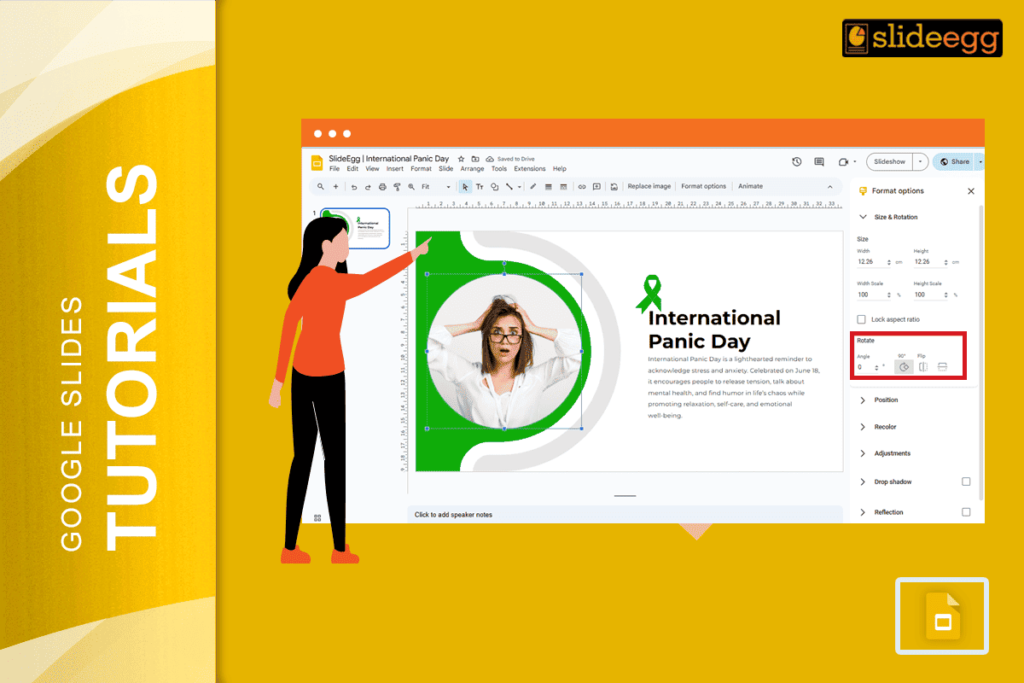
Quick Tips: How to Invert an Image on Google Slides 🌸Open your Google Slides presentation.🌸Click on the image you want to flip.🌸Go to the “Arrange”...
 Google Slides Tutorials
Quick Tips to Set MLA Format on Google Slides✦ Use Times New Roman, size 12 font.✦ Set all text to double spacing.✦ Add a title...
 Google Slides Tutorials
Quick Tips to Add Comments in Google Slides!* Open your Google Slides file.* Click on the text, image, or element where you want to add...
 Google Slides Tutorials
Quick Tips to Use Lucidchart in Google Slides✅Open Google Slides and click Extensions.✅Find Lucidchart Diagrams and install it.✅Click Insert > Diagram to pick your chart.✅Drag...
 Google Slides Tutorials
Quick Tips to Unskip / Unhide a Slide in Google Slides ✅ Open your Google Slides presentation.✅ Look at the left-hand side where all slides...
Recent Blogs
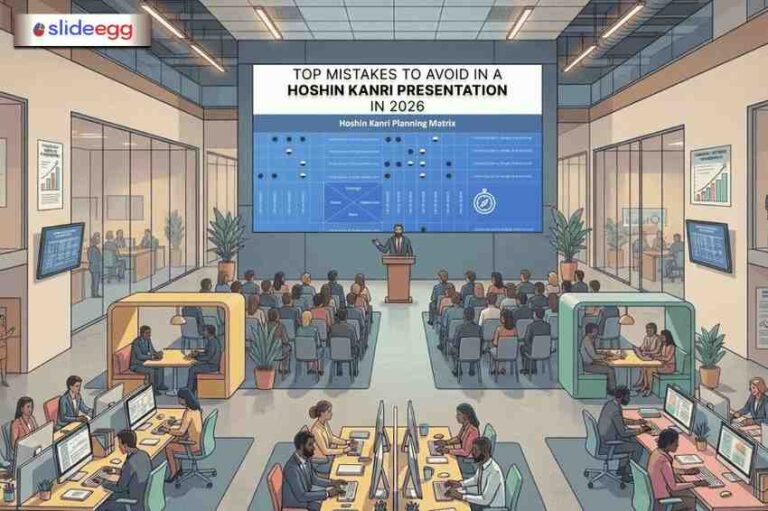
You have spent weeks building your strategy plan. The objectives are clear, the goals are realistic, and everyone...

Simple Steps to Create a Decision Tree in Google Slides✅Open Google Slides and choose a blank slide.✅Click Insert...

Whether you are presenting at a grand rounds session, a national cardiology conference, or a departmental case review,...