AI Presentation Maker with
100,000+ Ready-Made Templates
Fully editable templates — built for PowerPoint, Google Slides, and Canva
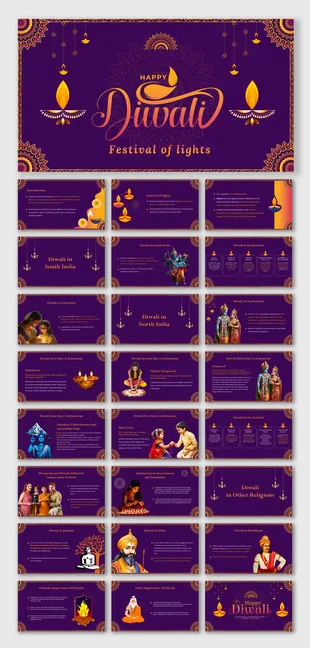
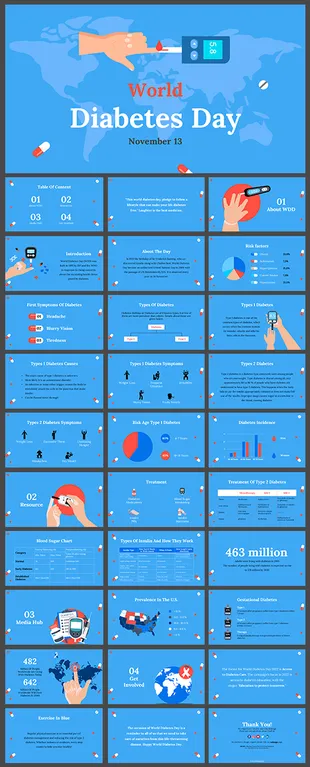
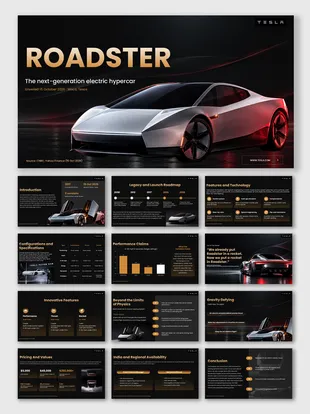
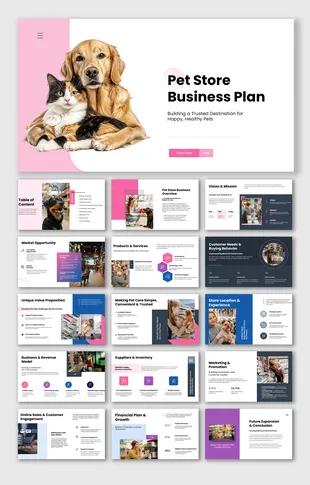
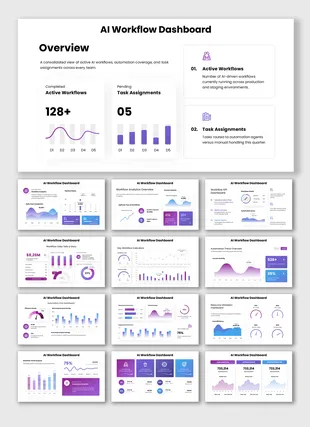
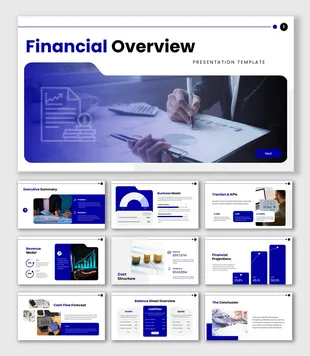
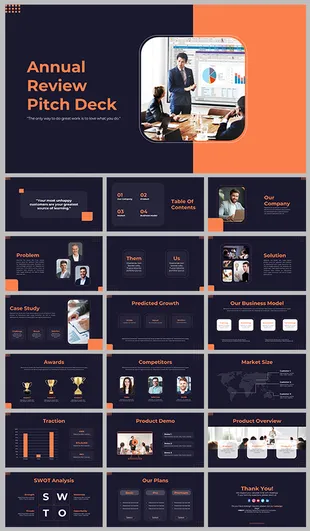
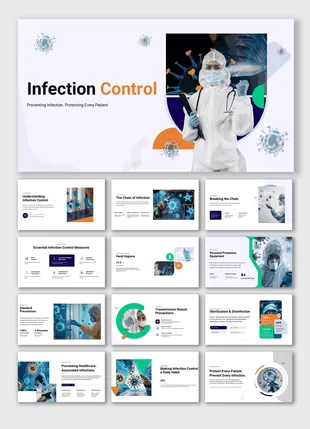
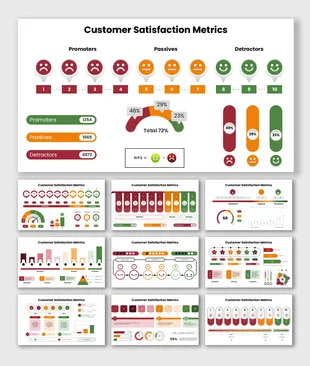
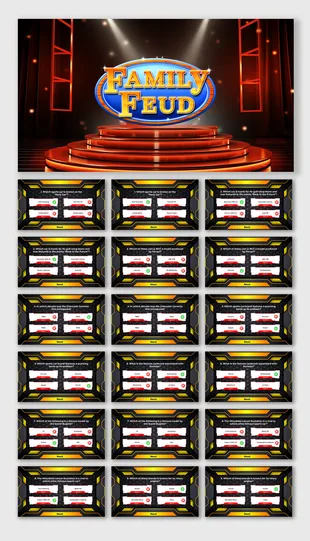
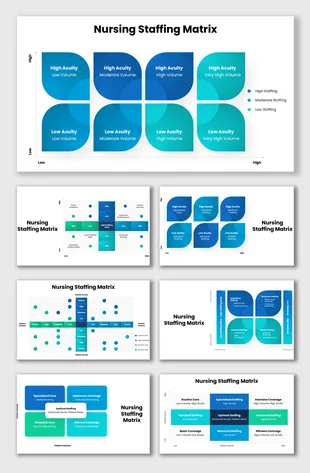
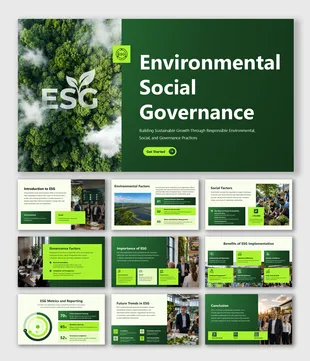
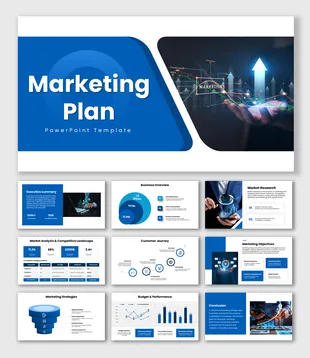
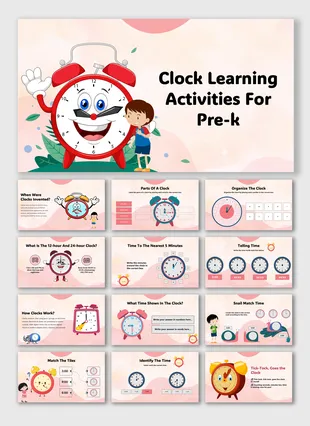
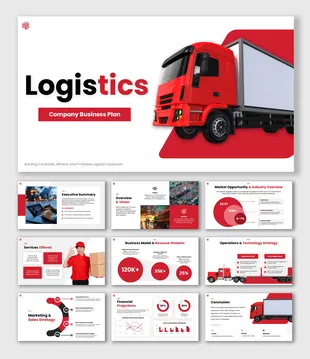
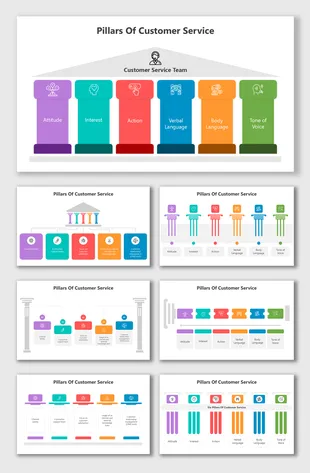
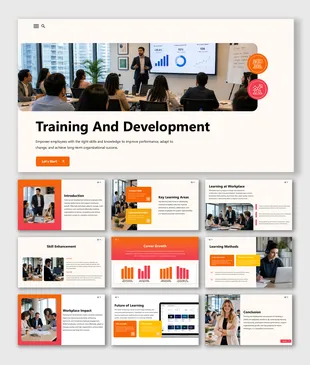
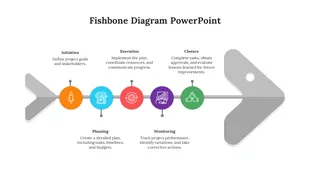
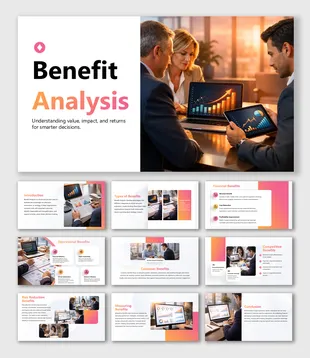
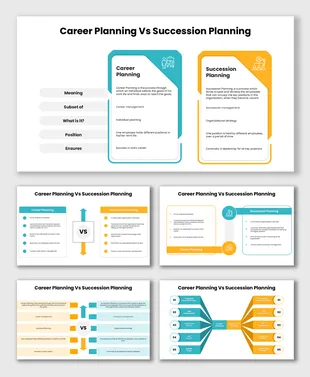
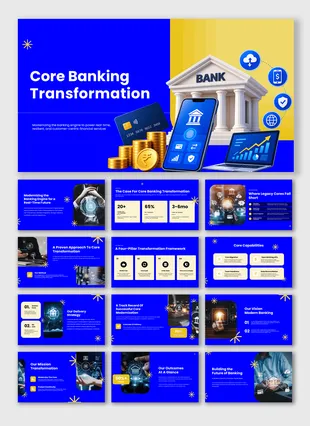
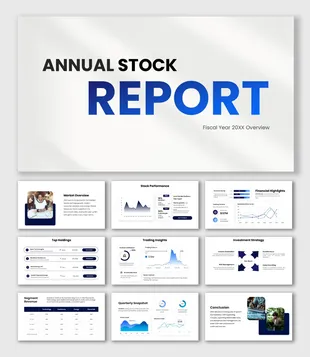
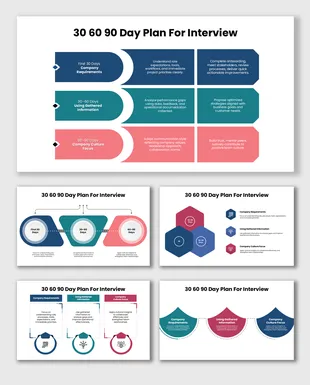
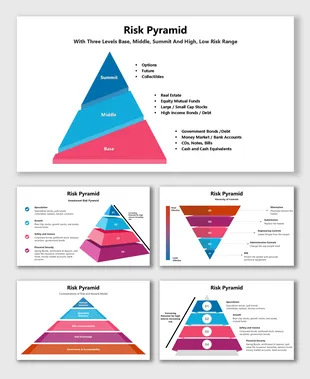
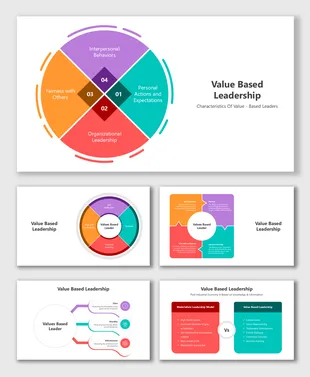
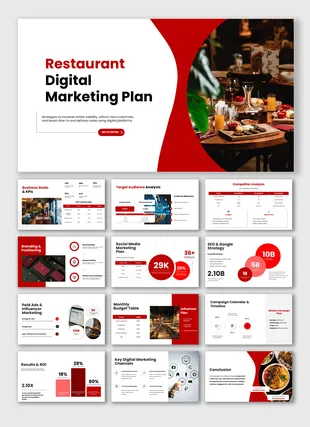
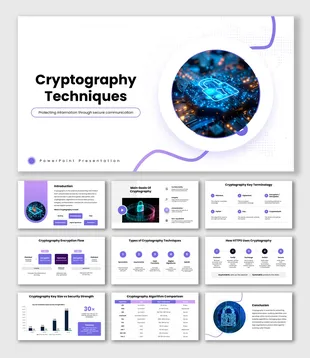
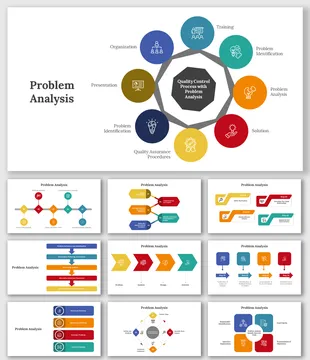

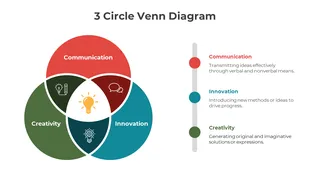
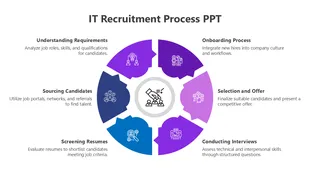
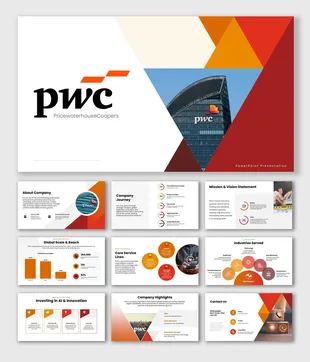
Showing48 of69,218 templates
What Is SlideEgg's AI Presentation Maker?
SlideEgg's AI Presentation Maker turns a simple prompt into a fully designed slide deck in seconds. Describe your topic, audience, and slide count, and the AI builds a structured presentation using professionally designed templates.
- Prompt to polished deck in seconds
- Fully editable after generation
- Export to PowerPoint, Google Slides, or Canva
From Prompt To Presentation In 4 Steps
Create a polished deck faster with a simple workflow powered by SlideEgg AI.

Describe your topic
Type a short prompt describing your subject, audience, and purpose.
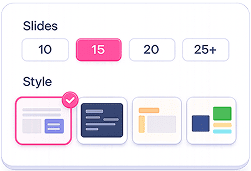
Choose your slide count and style
Pick how many slides you need and a design direction from SlideEgg's template library.

Generate your deck
The AI builds a complete, structured presentation with text, layout, and visuals in seconds.
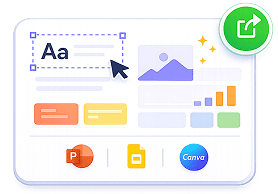
Edit and export
Fine-tune any slide, then download as PowerPoint, or open directly in Google Slides or Canva.
Everything you need to present with confidence
Powerful features that help you create, edit, and deliver better presentations faster.
Explore SlideEgg
100,000+ Editable Templates
Every AI-generated deck is built on professionally designed layouts.

Free Daily Templates
New free slides added regularly for users who don't need the AI generator.

Interactive Presentations
Add live polls, quizzes, and word cloud directly into a presentation.
Multi-platform Download
Download to PowerPoint, or continue editing in Google Slides or Canva.
Frequently Asked Questions
Quick answers about SlideEgg's AI Presentation Maker, editing, exports, pricing, and usage.
Yes, you can start for free. Your free plan includes 200 AI credits, and each presentation uses about 100 credits, so you can create roughly 2 presentations at no cost. Upgrade to a paid plan any time for more credits.
Yes, every generated deck is fully editable. Download it to PowerPoint, Google Slides, or Canva and change the text, layout, colors, and images however you like.
Yes. You can export your presentation to PowerPoint and Google Slides, or keep editing it in Canva.
It depends on your prompt. The AI tailors the length to your topic, typically around 12 to 15 slides for a well-structured deck.
Every AI-generated deck is built on our library of 100,000+ professionally designed templates, so you get polished, presentation-ready slides instead of generic AI layouts, and you can fully edit and export them.
Yes. We offer a special education plan for teachers and students. Get in touch with our team to unlock it for your classroom or studies.
Absolutely. It is built for professional use, from sales decks and pitch decks to reports and strategy presentations, with structured layouts and clean visuals that are ready to present.
Yes. SlideEgg runs right in your web browser, so you can create, edit, and preview presentations on any device: desktop, tablet, or mobile.
Not at all. Just describe your topic and the AI builds a structured, professionally designed deck for you, with no design skills required.
ChatGPT gives you text; SlideEgg gives you a finished presentation. Instead of a plain outline, you get a fully designed, editable slide deck, complete with layouts, visuals, and one-click export to PowerPoint, Google Slides, or Canva.